74 | INSTALLATION, OPERATION and MAINTENANCE MANUAL
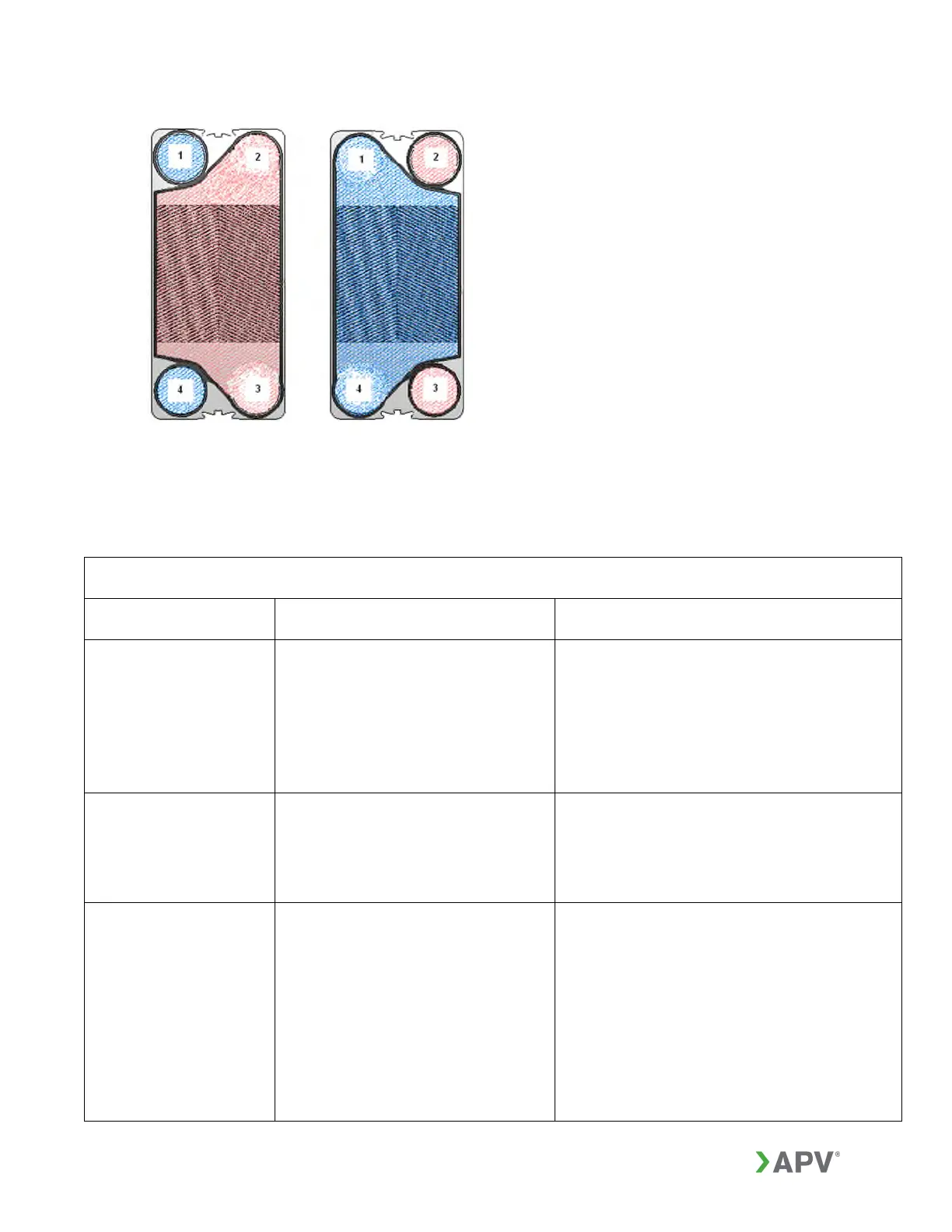
Figure 57: Right and left hand plate
15. TROUBLESHOOTING
TROUBLESHOOTING PLATE HEAT EXCHANGERS
PROBLEM POSSIBLE CAUSES SUGGESTED SOLUTIONS
Reduced heat
transfer
1. The inlet temperature or flow
rates do not correspond to the
original design.
2. Plate surfaces have become
fouled on either the product or
service side.
3. Freeze-up.
Correct temperatures or flow rates to
design conditions.
Open the GPHE and clean the plates or
clean the plates (without opening) by
circulating a suitable cleaning agent or
reverse flush to dislodge debris.
Increased pressure
drops or reduced
flow rate
1. Plate surfaces have become
fouled on either the product or
service side.
2. Debris is blocking the flow
channels.
Open the GPHE and clean the plates
(see Section 12.0). Screens or filters
must be installed to prevent debris from
entering the equipment. Reverse flush to
dislodge debris.
Visible leakage
1. Operating pressure exceeds
the rating of the heat exchanger.
2. The GPHE is not tightened
adequately for the operating
conditions.
3. Sealing surfaces of plates or
gaskets maybe damaged or
dirty.
4. Chemical attack on the
gaskets.
Reduce the operating pressure to the
rating of the GPHE. If the equipment
continues to leak after the pressure is
reduced, the plates or gaskets might be
damaged, or gaskets aged and may
require replacement.
Tighten the GPHE further in increments
of 0.001 in. (0.025mm) per plate,
checking for further leakage each time.
Do not tighten below the minimum



 To Next Page