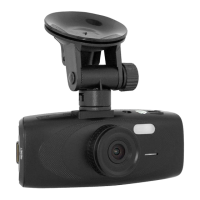
SPYTEC A118C 1080P HD DASH CAMERA WITH CAPACITOR USER GUIDE 10
Auto Power Off
The camera can be set to stay on indenitely or automatically turn off after not being
used for 1-, 3- or 5 minutes. (See image on previous page.) If the camera has shut
down, press the power button to restart it.
Beep Sound
By default, the camera emits a beep whenever you press a button. If you prefer, you
can turn it off.
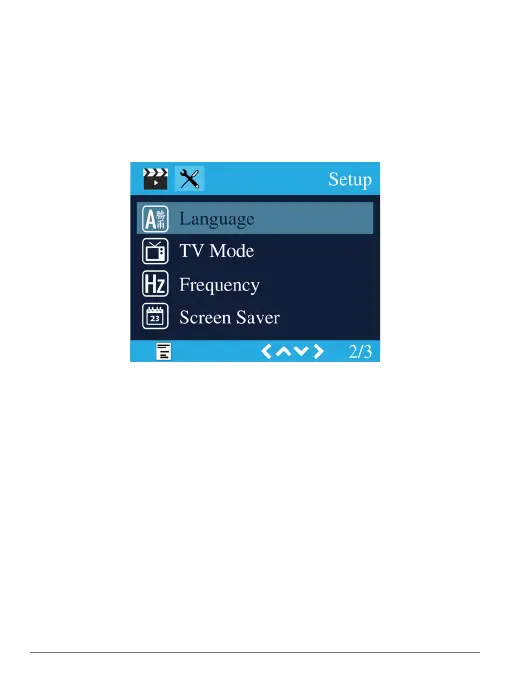
Language
You can set the language used in menus to: English, Spanish, Portuguese, German,
Italian, Simplied Chinese, Traditional Chinese, Russian or Japanese.
TV Mode
Set the TV Mode to NTSC (North America) or PAL.
Frequency
Though the default is 50 HZ, change it to 60 Hz if you live in North America. While
the setting doesn’t impact natural lighting, man-made lighting may appear to icker if
incorrectly set.
Screen Saver
The default setting is off, meaning the screen will remain illuminated indenitely
until the camera is powered off. You can change the setting so that the backlight
automatically turns off 1- or 3-minutes from the last time a button was pressed.


 To Next Page