SPYTEC A118C 1080P HD DASH CAMERA WITH CAPACITOR USER GUIDE 9
Set Up Menu
If the camera is recording, press the Rec button, then the Menu button twice. The
tools icon atop the directory will be highlighted. Use the Mic button to navigate down
the list or the Rec button to go up the list. Press the OK button to make a selection.
When you’re ready to exit the Set Up Menu, press the Menu button.
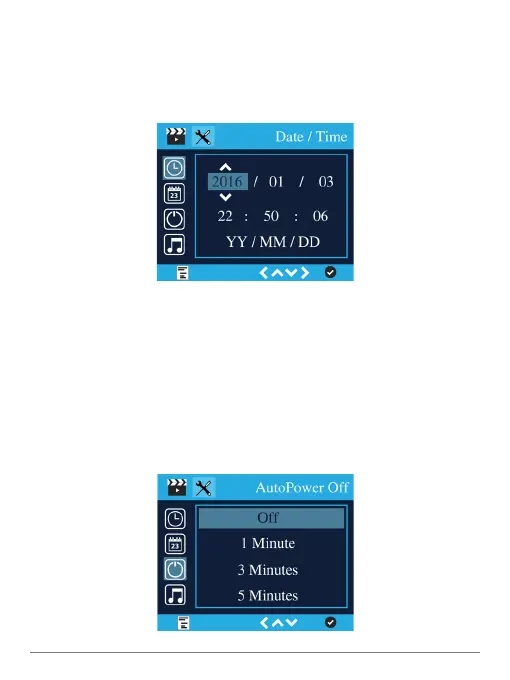
Date/Time
To highlight Date/Time on the rst row, press the Mic button.To select this option,
press the OK button.
Use the Rec button to increase each digit or the Mic button to decrease it. Press the
Menu button to go to the next eld. Press the OK button to accept the Date/Time
settings and return to the previous menu.
Time Zone
Click on Time Zone. Use the Mic or Rec button to cycle through the zones until you
nd yours.Press the OK button.


 To Next Page