SPYTEC A118C 1080P HD DASH CAMERA WITH CAPACITOR USER GUIDE 7
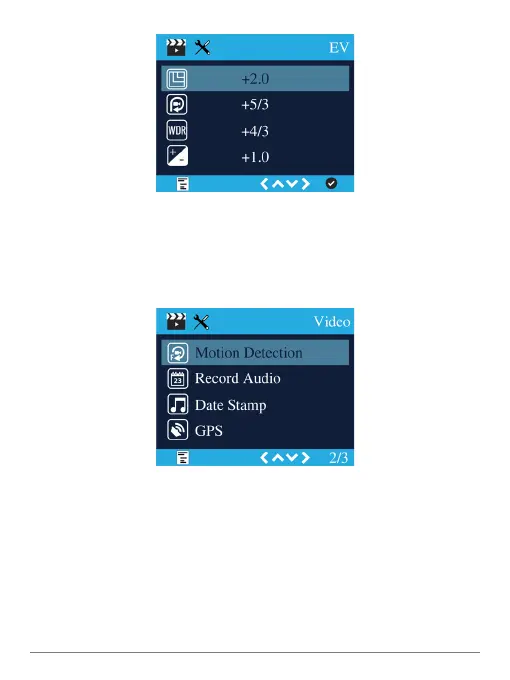
EV
You can increase or decrease the exposure value in videos and photographs as
they’re being captured by the camera to compensate for poorly-lit or overly-bright
scenes. The default is set at a neutral +0.0 but you can adjust the value to -1/3, -2/3,
-1.0, -4/3, -5/3 or -2.0 as well as +1/3, +2/3, +1.0, +4/3, +5/3 and +2.0.
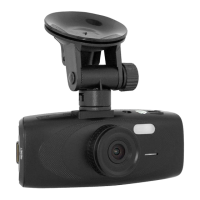
Motion Detection
Since a dash cam is mainly used when your car or vehicles in view are moving, the
camera’s motion detection capability is set to off by default. However, you can turn it
on so that the camera starts recording only when it detects motion.
Record Audio
Video is normally recorded with audio, but you can turn off the microphone. When the
mic is off, the LED labeled mic, which normally glows red, will not be lit and a slash
will appear over a mic icon on the screen.


 To Next Page