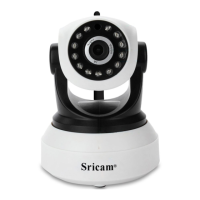
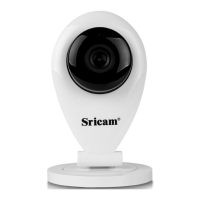
Sricam
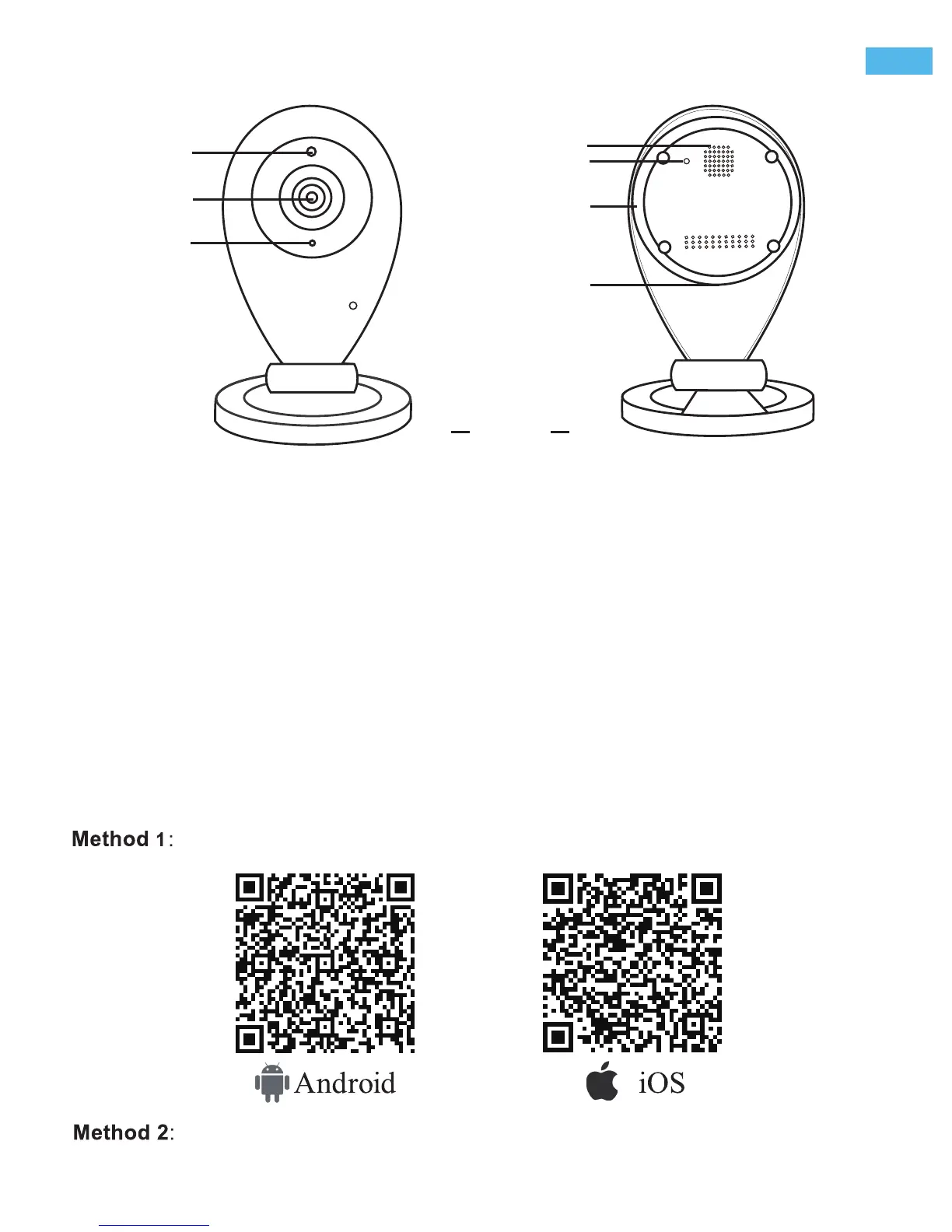
IR Sensor
Lens
Speaker
Microphone
Reset
MicroSD card Slot
SP009
DC 5V Power Slot
Reset
Sricam App Installation
Start setup
Step1.
R
Products Introduction
Go directly to Step3 if the sricam app is already download and registered in your smartphone.
Scan the QR code to download the“Sricam” App.
Search“Sricam”on Google Play or iOS App Store
-1--1--1-
ENEN
Before starting setup
Make sure of the following:
- Your router supports the 2.4GHz frequency band (802.11b/g/n).
- Your router DHCP is enabled.
- Your smartphone is connected to the Internet with a WLAN/Wi-Fi that the camera will connect with.
- You know the WLAN/Wi-Fi password.( No special characters in the password and Wi-Fi name such
as @#$%^&*).
- For video guide of IPCam setting, please visit website: www.sricam.com/videos.html


 To Next Page