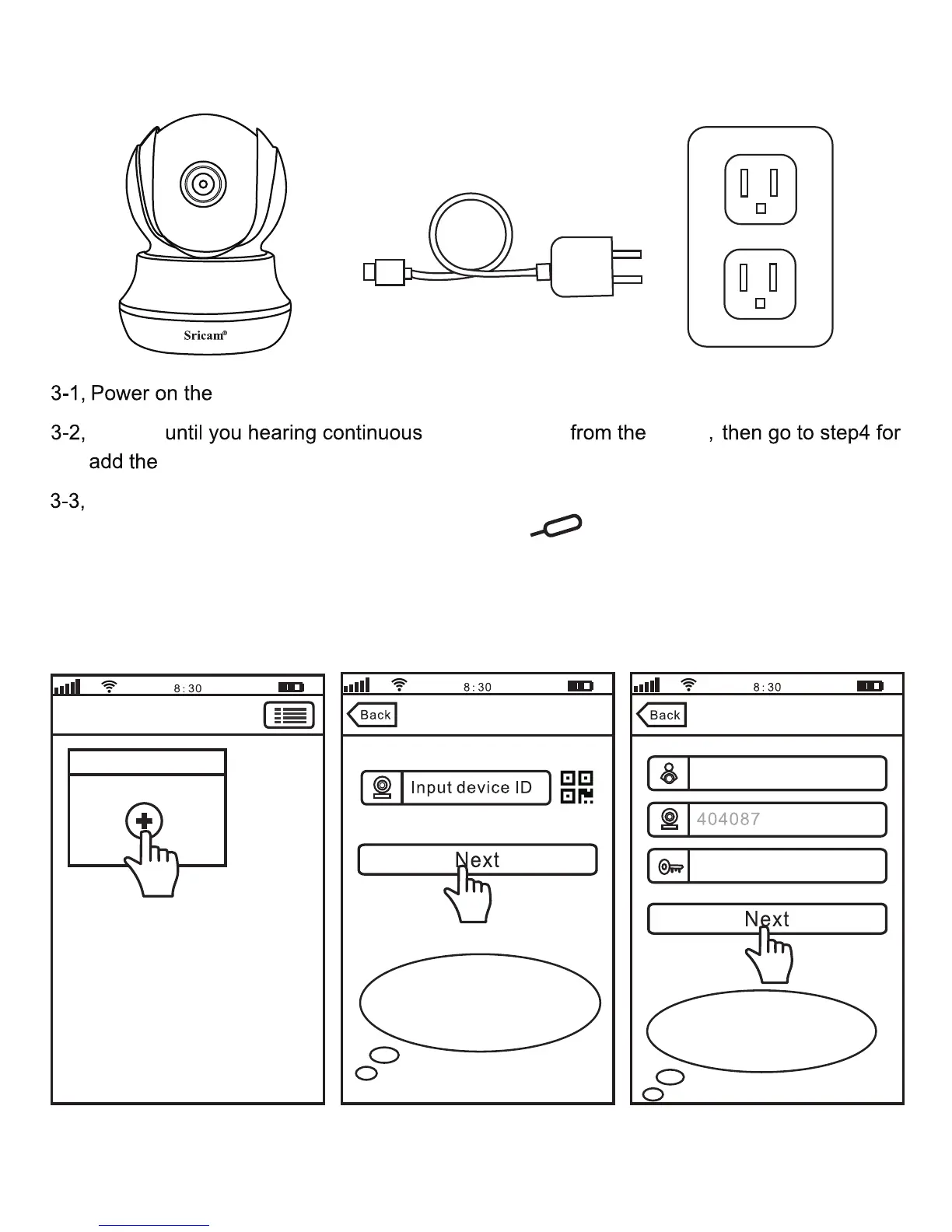
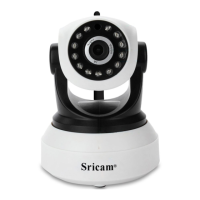
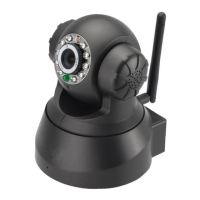
Step3. Product Connection
If you can’t hear the beeping sound from the device within 1 minute, you need reset the
device first. Press RESET button by a reset pin for 10 seconds until you hear a
clash sound from the device. Then waiting until you hear continuous beeping sound from
the device, and go to Step4 for add the device on App “Sricam”.
Waiting
on App “Sricam”.
.
Step4. Add the camera on App
4-1 4-2 4-3
Add deviceAdd deviceDevice List
Note: The “Device ID” can
be found on the label which is
attached to the camera.
Note: Here take camera
ID:404087 as an example.
Add new device
IPCam
Input password(default:888888)
beeping sound
device
device
camera.
3



 To Next Page