Need help?
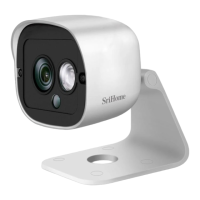
Do you have a question about the SriHome SH031E and is the answer not in the manual?
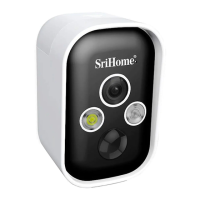
Step-by-step guide for installing batteries in the SH033B model.
Procedure for installing batteries in the SH037B model.
Overview of camera components and essential connection ports like DC 5V and TF card slot.
Wi-Fi, DHCP prerequisites, and steps for downloading and installing the SriHome App.
Instructions on turning on the camera and confirming operation via audio cues.
Detailed steps for connecting the camera to your network using the app's QR code feature.
Guide to the live view interface, including controls for dimming, infrared, and settings.
Solutions for common problems like failure to add devices or missing confirmation beeps.
How to share camera access by assigning 'Operator' or 'Visitor' roles to other users.
 General
| Brand | SriHome |
|---|---|
| Model | SH031E |
| Category | Security Camera |
| Language | English |


 To Next Page