1 Checklist - Before Your First Ride
To receive power data:
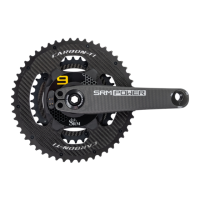
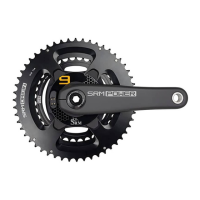
Install the SRM PowerMeter crankset per manufacturers instructions
Install cadence magnet as shown in this manual
If desired install head unit handlebar mount per manufacturers instructions. SRM mounting options can be found at: http://store.srm.de/accessories.html
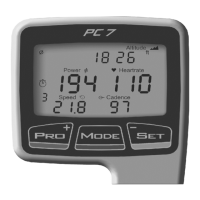
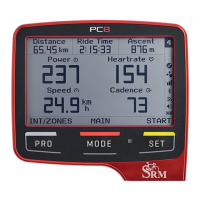
Pair the PowerControl/head unit to the PowerMeter (See PC8 or head unit manual for pairing information)
Set the Zero Oset on your PC8 or head unit (See PC8 or head unit manual for setting the zero oset)
You should now receive correct power and cadence data
To receive data from accessories such as speed and heart rate:
Install ANT+ speed sensor, heart rate strap or other accessory per manufacturers instructions
Pair the desired accessory (See PC8 or head unit manual for pairing information)
Other:
Allow PC8/device to connect to GPS in order to set time (See PC8 or head unit manual for setting proper time for your location)
Download and connect your PC8 to SRM Device Agent to create your personal rider prole, customize the display and enhance connectivity to data analysis
software. SRM software can be located at: http://www.srm.de/products/software/


 To Next Page