Warning: within 10 minutes after the controllers stops charging, if the
battery's poles are reversely connected, internal components of the controller may get
damaged.
Note:
1) The battery's fuse or breaker shall be installed as close to the battery side as
possible, and it's recommended that installation distance be not more than
150mm.
2) If no remote temperature sensor is connected to the controller, the battery
temperature value will stay at 25 °C.
3) If an inverter is deployed in the system, directly connect the inverter to the
battery, and do not connect it to the controller's load terminals.
3. Product Operation and Display
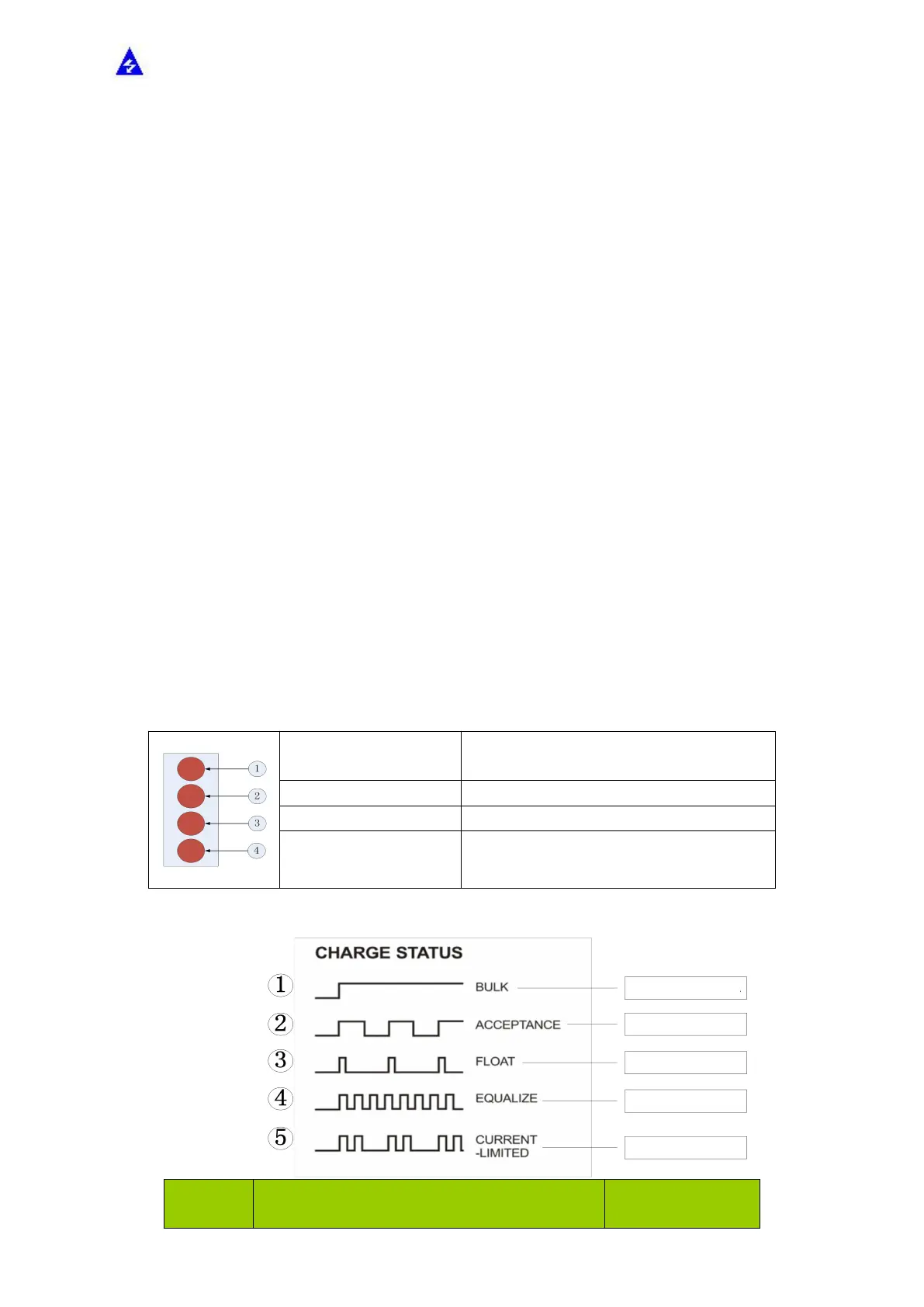
3.1 LED Indicators
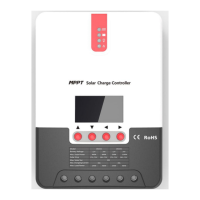
Indicating the controller's current charging
mode.
Indicating the battery's current state.
Indicating the loads' On/ Off and state.
Indicating whether the controller is
functioning normally.
PV array indicator:
Steady on, charging in max. power
Slow flashing, boost charging
Single flashing, floating charging
Quick flashing, equalizing charging
Double flashing, current-limited charging


 To Next Page