4-25
Front Panel
Hex ASCII Hex ASCII
2A ❋ 34 4
2B + 35 5
2C , 36 6
2D - 37 7
2E . 38 8
30 0 39 9
31 1 3B ;
32 2 3F ?
33 3
Hex ASCII Hex ASCII
0A linefeed 50 P
41 A 51 Q
42 B 52 R
43 C 53 S
44 D 54 T
45 E 55 U
46 F 56 V
47 G 57 W
48 H 58 X
49 I 59 Y
4A J 5A Z
4B K
4C L
4D M
4E N
4F O
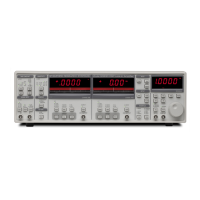
[Local] When a host computer places the unit in the REMOTE state, no keypad
input or knob adjustment is allowed. The REMOTE indicator is on above
the [Local] key. To return to front panel operation, press the [Local] key.
REMOTE This led is on when the front panel is locked out by a computer interface.
No front panel adjustments may be made.
SRQ This indicator is on whenever a GPIB Service Request is generated by
the SR830. SRQ stays on until a serial poll is completed.
ACTIVE This indicator flashes when there is activity on the computer interface.
ERROR Flashes whenever there is a computer interface error such as an illegal
command or out of range parameter is received.


 To Next Page