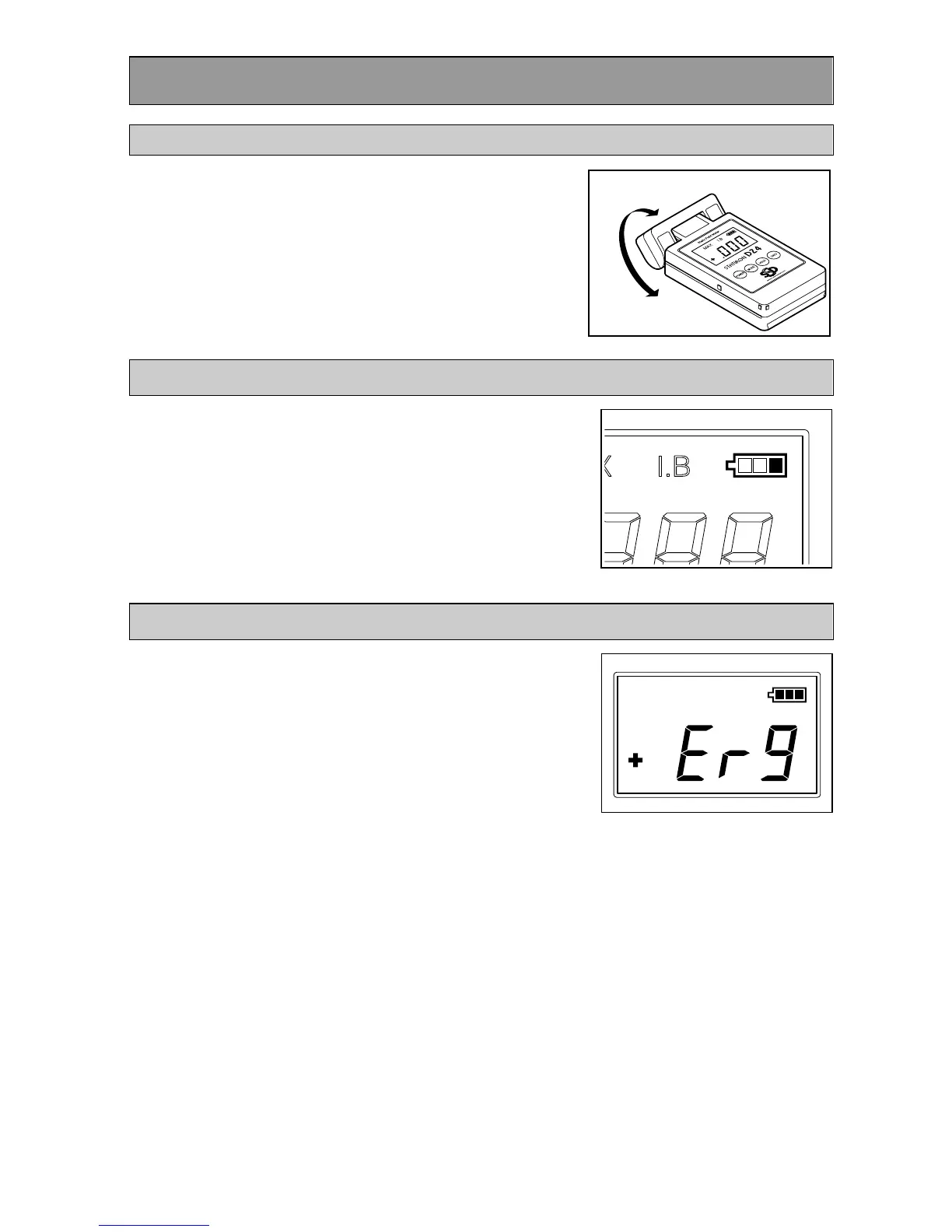
You can rotate the sensor head of the meter. This
enables you to easily take measurements in
narrow locations etc. that were previously difficult
to access.
The sensor head rotates in 45° increments. When
rotating the head, stop at angles where the sensor
head clicks into place.
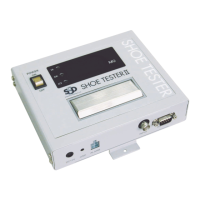
The remaining battery charge is displayed on the
upper right of the display panel.
When the battery charge icon shows one unit left,
replace the battery.
The signal detection method of the meter is an
oscillating chopper method.
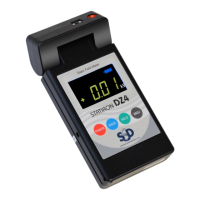
If for some reason the sensor stop oscillating, an
error message like that shown in the illustration on
the right is displayed, and the meter emits a
beeping sound every second.
If this occurs, restart the meter. If the error
message continues to be displayed after restarting
the meter a number of times, the sensor may be
faulty. Contact the sales office where you
purchased the product.


 To Next Page