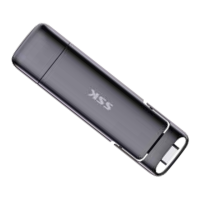
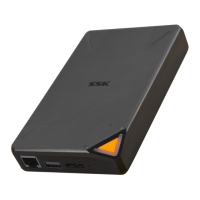
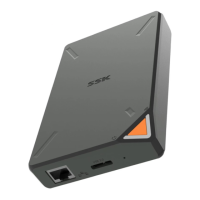
I. Introduction
II. Precautions before Use
Thank you for choosing SSK. Please read
this user manual carefully before using.
III. Package Contents
1. Product main unit
2. User manual
3. USB-A to Type-C 10Gbps data cable
4. Type-C to Type-C 20Gbps data cable
1. Keep the USB connector clean. When
dirty, use a soft and clean cloth to wipe it
gently.
2. Please insert the product directly into
the USB port of your Windows PC, Mac,
PS4/PS4 Pro, PS5, Xbox Series X/S, Xbox
One, iPad Series, or Android™
smartphone/tablet. Do not use any
additional adapters unless necessary.


 To Next Page