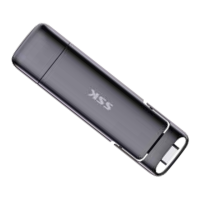
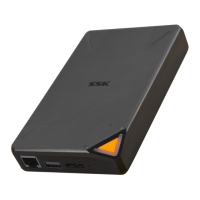
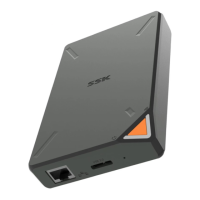
native USB interface on the computer's
motherboard, typically located on the rear
side. Native interfaces provide better
power supply capability and more stable
USB signals.
3. To achieve the highest read/write speeds,
make sure to use USB cables (if needed)
and host device USB interfaces that
support the corresponding high-speed
USB interfaces.
4. Read/write speeds can be influenced by
file types. In general, larger individual/few
files have faster read/write speeds, while
many small files may have slower
read/write speeds.


 To Next Page