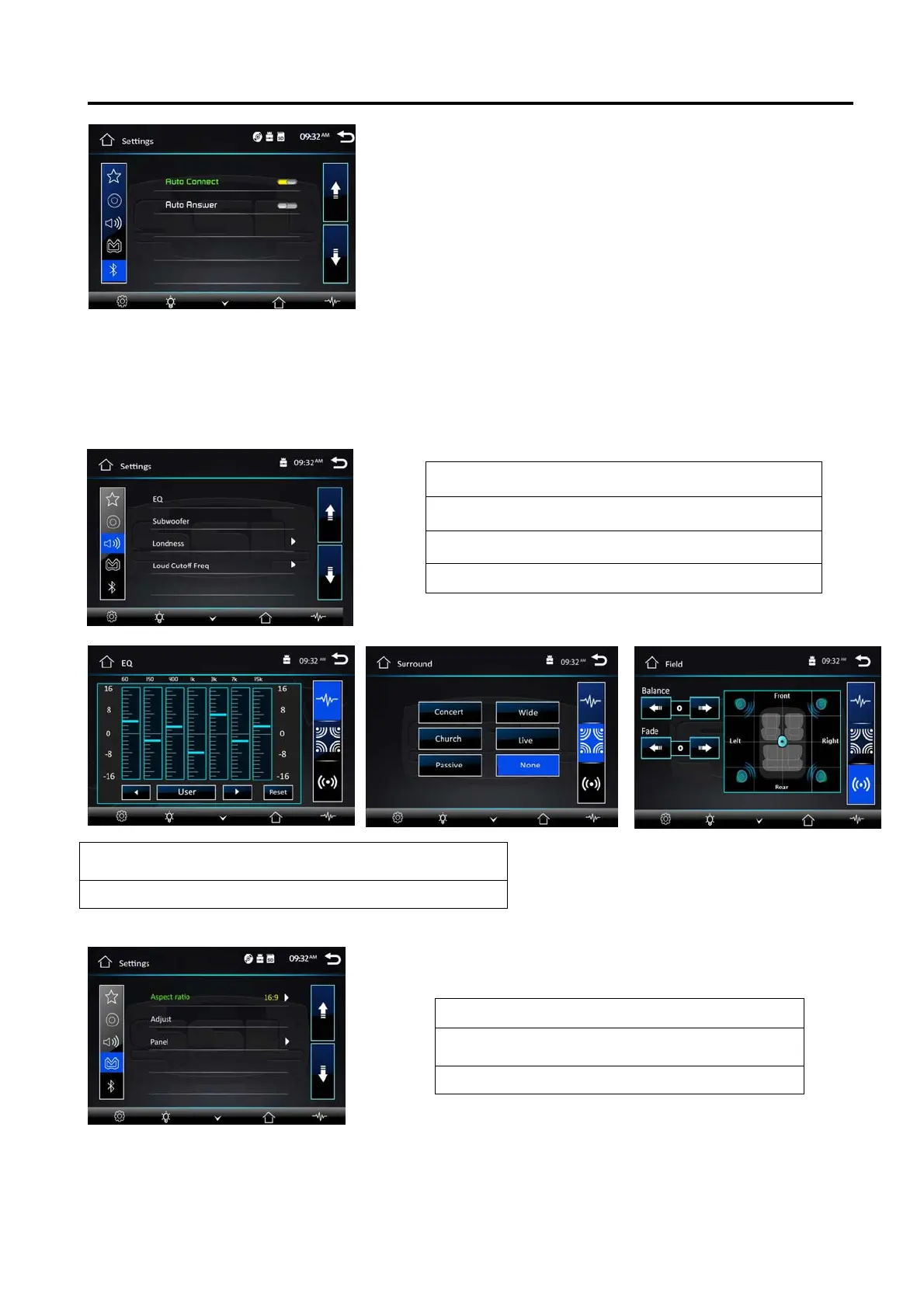
Settings Operation
[1].Subtitle Lang setting:
With this option you can select the preferred language for the
subtitles. When the selected language is recorded on the disc
then this language will automatically be shown. If not, the first
language recorded on the disc is displayed.
[2].Audio Lang setting:
With this option you can select the preferred language for the
audio output. When the selected language is recorded on the
disc (not all discs have multiple languages recorded) then this
language will automatically be played. If not, the first language
recorded on the disc is played.
[3]. DVD Menu Lang setting:
With this option you can select the preferred language for the disc menu. When the selected language
is recorded on the disc then this language will automatically be selected. If not, the first language
recorded on the disc is displayed.
Sound Control
Tap EQ button to show following interface
TV Type
Set TFT screen mode to the correct ratio:
Three screen ratio modes are available, Normal/PS (4:3 Pan Scan) and Normal/LB (4:3Letterbox)
Different disc formats will display different images depending this setting and the screen size used.
Note: additional wide 16:9 only for DVD player.
14
Sound Effect
Subwoofer
Loudness : select on/off
Loud Cut off Freq:
EQ : select User
Classic
Rock
Pop
Jazz
Electric—Flat
Reset
Aspect ratio : select 4:3PS/4:3LB /16:9
Adjust : adjust screen brightness
/contrast/Hue/Saturation/Sharpness
Panel :setting backlight time



 To Next Page