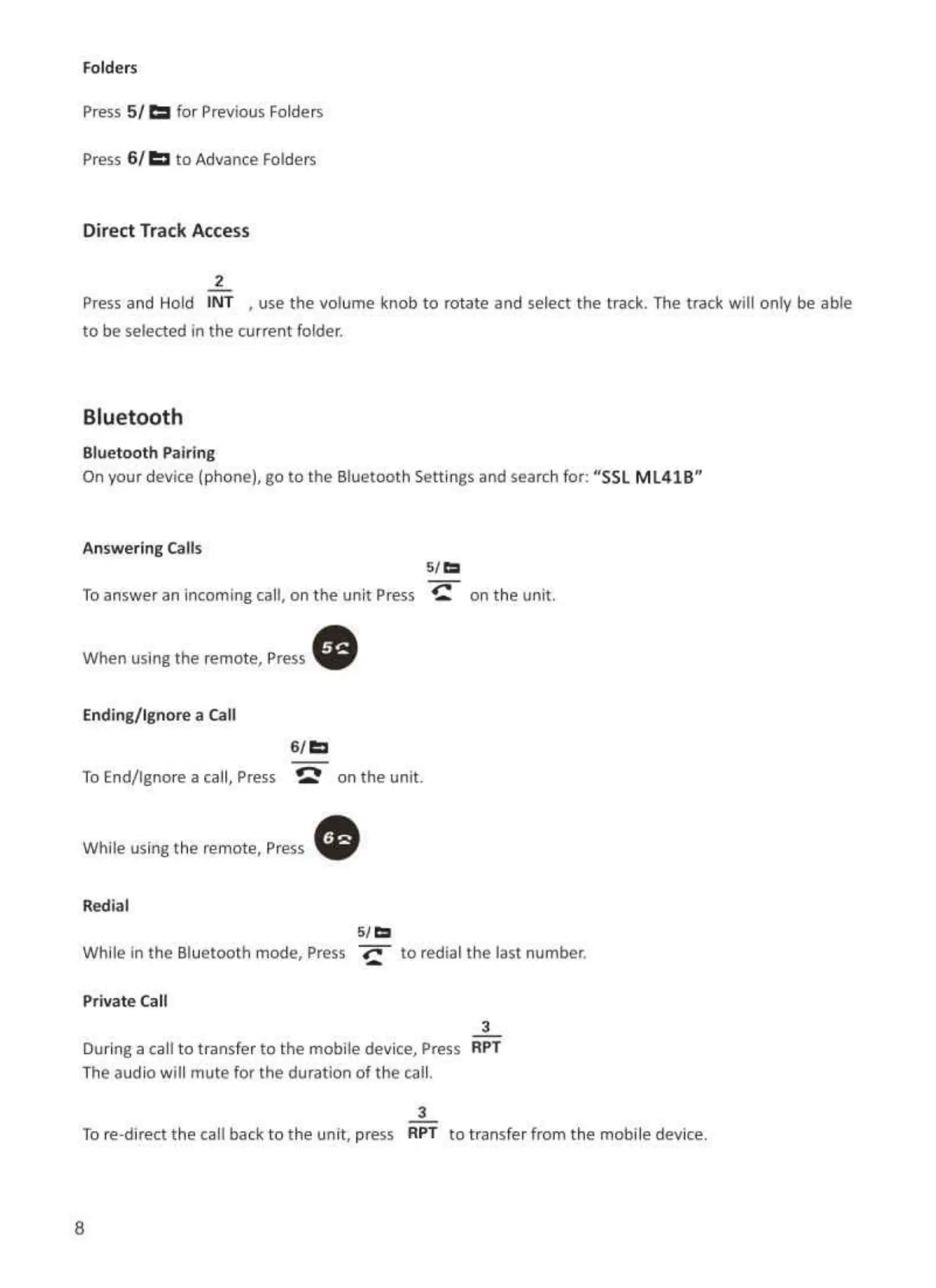
Folders
press 5/
Press 61
Remote Control Battery
for Previous Folders
to Advance Folders
Direct Track Access
2
Pressand Hold INT . use the volume knob to rotate and select the track. The track will only be able
to be selected in the current folder.
Bluetooth
Bluetooth Pairing
On your device(phone), go to the Bluetooth Settings and searchfor: "SSLML41B"
2.
l. Press and hold the small lock and pun to remove the battery holder.
2, Put the battery into slot in the right way as illustrated.
3. Insert the battery holder into remote control.
a. Please note battery polarity when re-interesting.
Remote Functions
Answering Cans
To answer an incoming call. on the unit Press
When using the remote, Press
Ending/lgnore a Call
on the unit.
ToEnd/lgnore a can.press
While using the remote. Press
on the unit.
While in the Bluetooth mode, Press
to redial the last number.
Private Can
3
Duringa call to transferto the mobile device,Press RPT
The audio will mute for the duration of the call.
3
TOre-direct the callback to the unit. press RPT to transfer from the mobile device.
8
o
o
o
o
o
o
power on/ Off
MODE
MUTE
Preset 1/ PAUSE/PLAY
Preset 2/
preset 3 / RPT
Preset 4 / RDM
o
o
preset 5 / FOLDER.
preset 6 / FOLDER*
LOUD
VOL+
PREV/ Previous Folder
NEXT / Next Folder
o
c
BAND
SCAN
CLOCK
Light On/ Off
5



 To Next Page