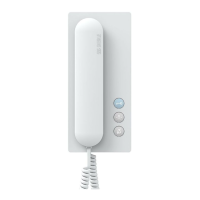
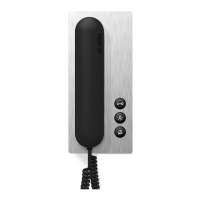
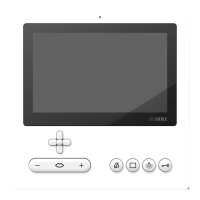
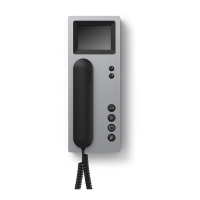
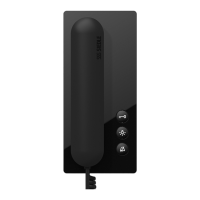
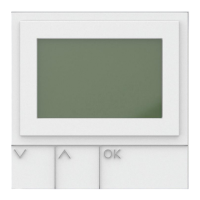
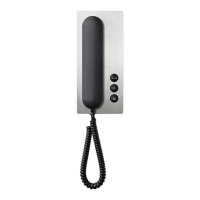
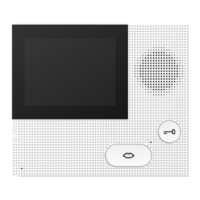
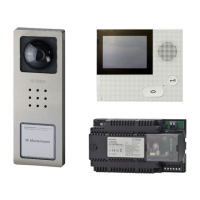
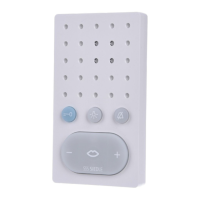
Standard bus hands-free
telephone for
Siedle In-Home bus
Functions:
•Calling, hands-free/simplex commu-
nication, door release and storey call
•Speech/control button
•Door release and light button
•Internal speech communication
•Muting button for call tone
•11ringtonemelodies
•Call and speech volume adjustable
in5steps
•Direct door dialling
Electrical voltage
Mounting, installation and serv-
icing work on electrical devices
may only be performed by a suit-
ably qualied electrician.
Electrostatic charging
As a result of electrostatic charging,
direct contact with the circuit board
can result in destruction of the
device. Direct contact with the circuit
board must therefore be avoided.
Scope of supply
•BFS850-...(baseplateandhousing
with circuit board)
•Operating instructions for the end
user
•This product information
Mounting
Stripthecablebacktoappr.80mm.
1 Recommended mounting height
appr. 1.50m/4.9ft to centre device.
2 Open the device from the back
by releasing the base plate with the
locking lever.
3 When mounting directly on the
wall, fasten the base plate using
4screws, paying attention that
the plate is the right way up (top
marking).
4 When mounting on a switch box,
use the screw openings in the centre
of the device, paying attention that
the plate is the right way up (top
marking).
5 Install in accordance with the
AS diagram. The cores of the instal-
lation cable must be stored inside
the free installation space in the
base plate.
6 Hook the top of the housing into
the base plate and close by exerting
a slight pressure.
Depending on the installation
environment, it may be necessary
to change the microphone sensi-
tivity of the BFS 850-... in order to
permit clear speech transmission.
If a speech connection exists, press
the door release button and light
button simultaneously. Using the
speech button +/- the microphone
sensitivity can be set. If no input is
made within
10 seconds, the microphone set-
ting switches off again. Save the set
microphone sensitivity by pressing
the muting button for 3 seconds.
Dismantling
7 To remove the housing, press the
lock upwards using a at blade
screwdriver. The circuit board
remains in the housing superstruc-
ture.
Terminal assignment
Ta/Tb = In-Home bus terminal
ERT = Storey call button
Commissioning
Installation, commissioning and
programming are described in the
system manual (enclosed with line
rectiersBNG650-...).
Accessories for BFS850-...
•ZARF850-...foractuationofan
additional chime.
Potential-free contact.
•ZTS800-...forconversionfroma
wall unit to a desk unit.
Specications
•Supply via the In-Home bus
•Bellvolume:max.83dB(A)
•Dimensions (mm) W x H x D:
91x164x27
English
3


 To Next Page
 Loading...