Step 11: Check Connection
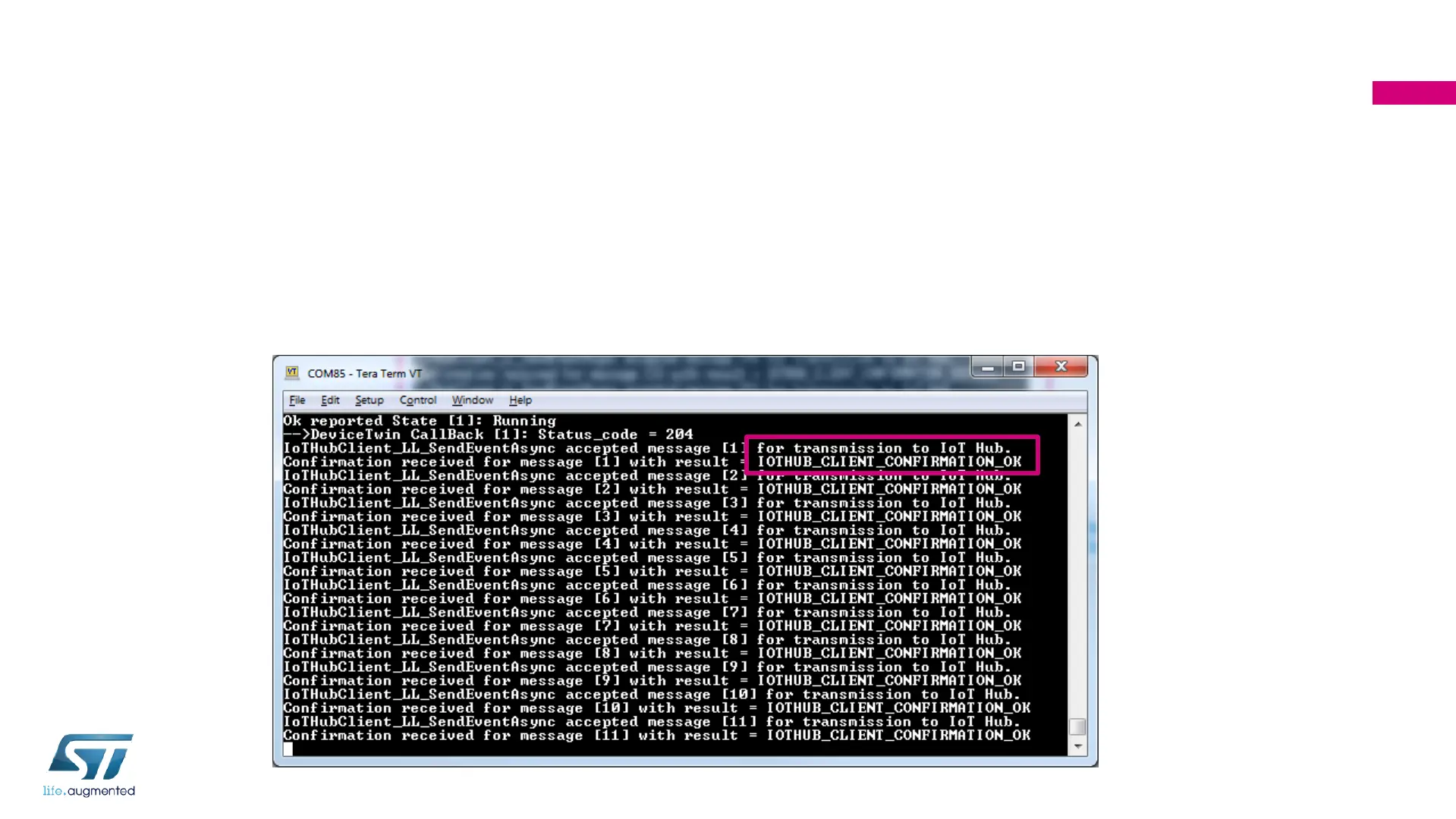
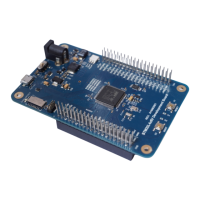
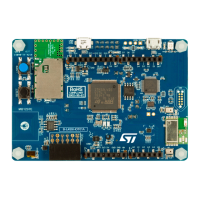
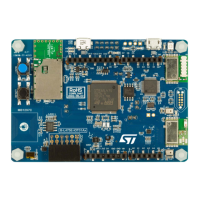
• Restart the application by pressing the Reset Button on Nucleo Development Board (Black
button). Wait until the board is connected to Wi-Fi access point and to the IoT Hub
• Each 2 seconds, a message is created and transmitted to the IoTHub using MQTT protocol.
For each message transmitted, a confirmation acknowledge is received back by the device
141


 To Next Page