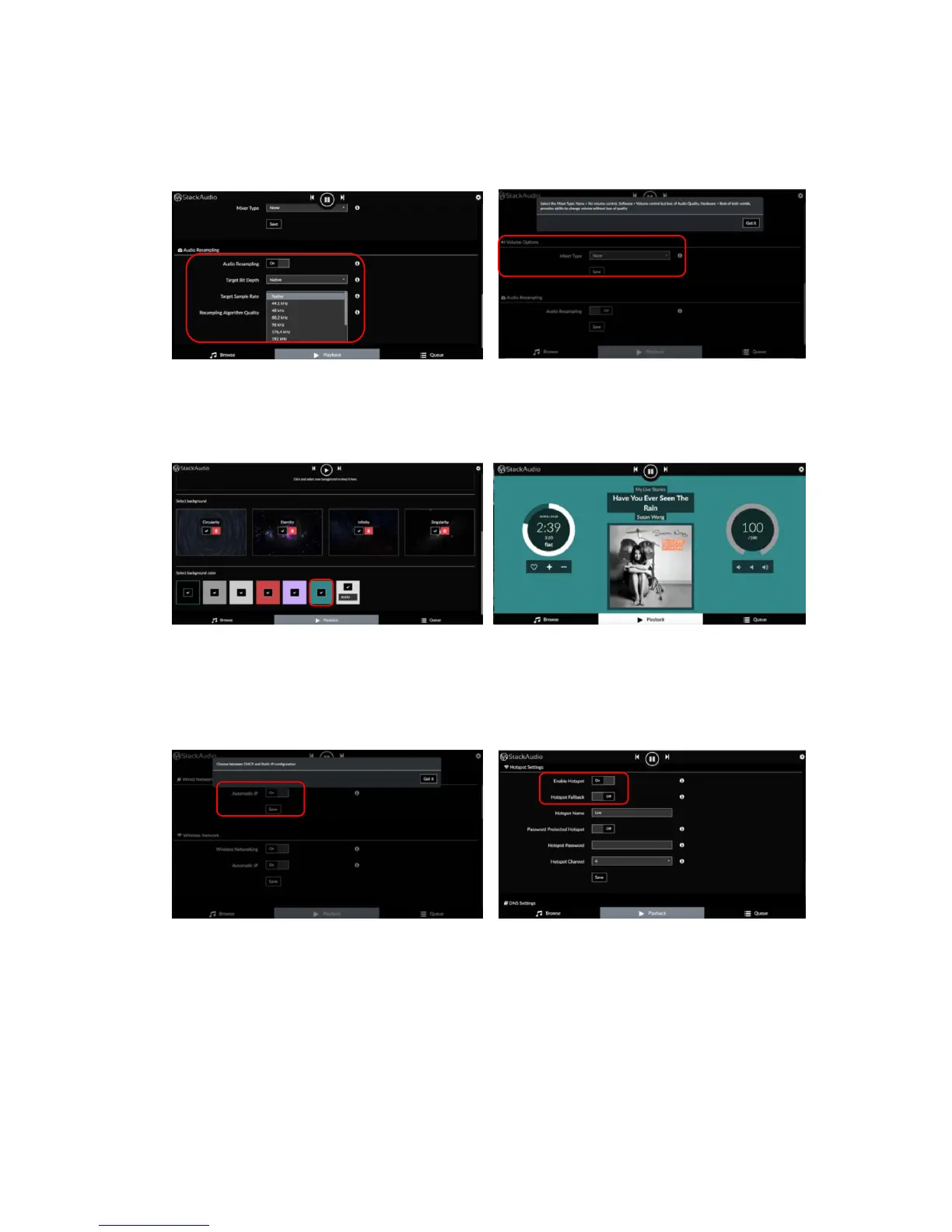
PLAYBACK OPTIONS
Select the output device (DAC), set and adjust playback options including DSD file
handling, volume control, buffering and audio resampling e.g.:
APPEARANCE
Choose alternative backgrounds and colour schemes for the LINK control screen
from the default selection or add an image of your own e.g.:
NETWORK
Check the network status (wired and wireless), select a network to join, adjust IP
settings (static or automatic), enable or disable wireless networking and activate
Hotspot or Custom DNS server e.g.:



 To Next Page