3. Set Up
The LINK can be connected to a home network and the internet and set up either by
a wired or wireless connection. For a wired connection attach an ethernet cable to
the port on the rear panel. For a wireless connection ensure the supplied antenna is
attached to the connector on the rear panel.
Once connected to home network or internet router set up can be carried out
through any other connected device with a web browser or via settings/wi-fi/search
for available devices. The LINK can be controlled through all web browsers,
Windows, MacOS, Android, iOS and others.
If necessary, you can find the IP address of the LINK by looking at the list of
devices connected to your router. Use your Home Hub/Router manager or run
ipconfig (or a similar utility) and note the IP address of the LINK. The IP address
can be found in the list of connected devices in the DHCP server list in your router
administration. The LINK will show up as link.local. Programmes such as Advanced
IP Scanner, FING (Android) or Network Analyzer (iOS), can be alson used to find
out the IP address of the streamer.
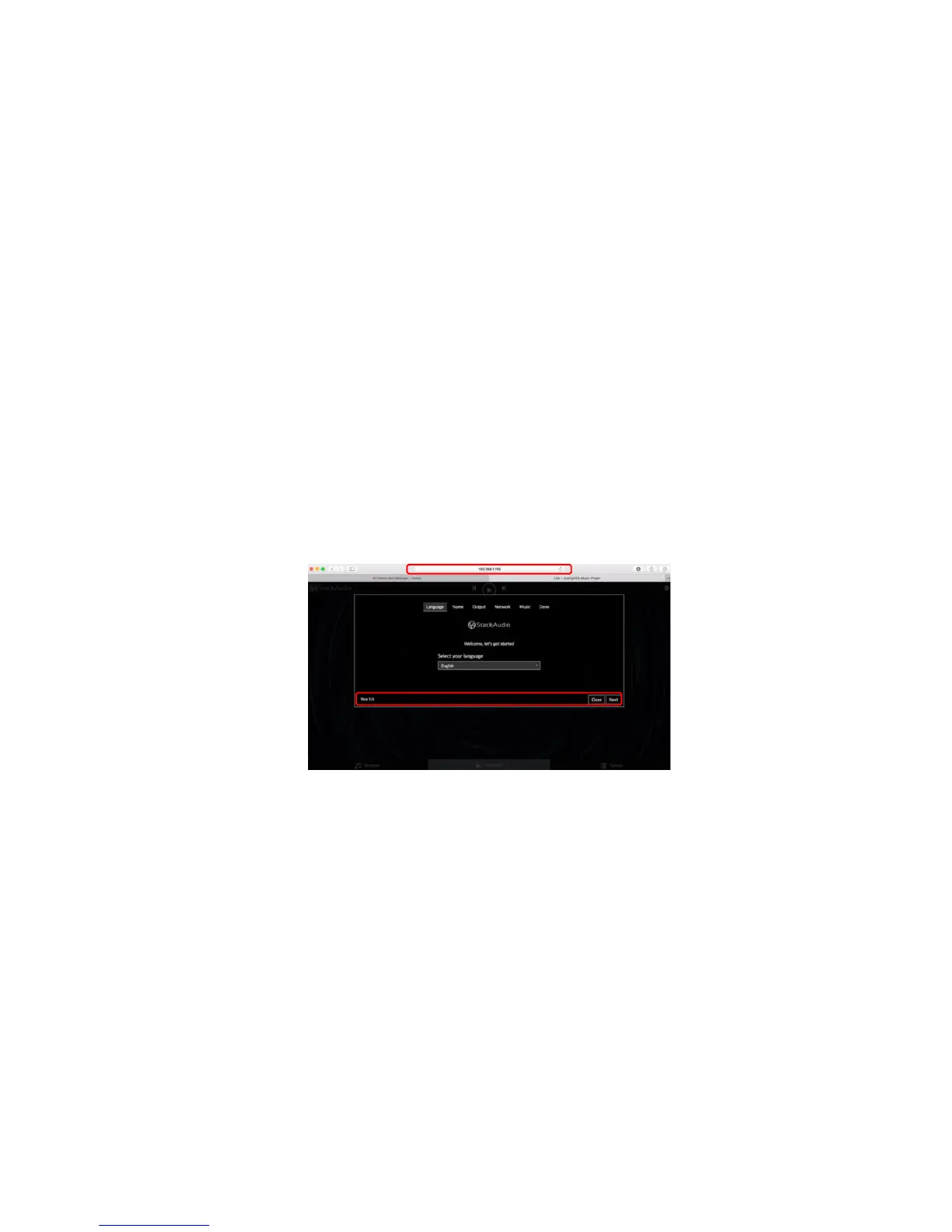
Type the address into your web browser:
Follow the 6-step set-up instructions displayed on your browser or mobile device as
in the illustration.
4. Operation, Control & Software
The LINK uses open sourced software from Volumio custom built for Stack Audio.
You can control the LINK using the Volumio interface from a PC, laptop or mobile
device
.
A mobile app for Volumio is available free to download for iOS and Android
devices. The interface looks and works in the same way on the mobile app and the
PC/laptop web browser. You can also use other uPNP apps such as Bubble or
Kinsky. (
Note not all generations of uPNP apps will work).



 To Next Page