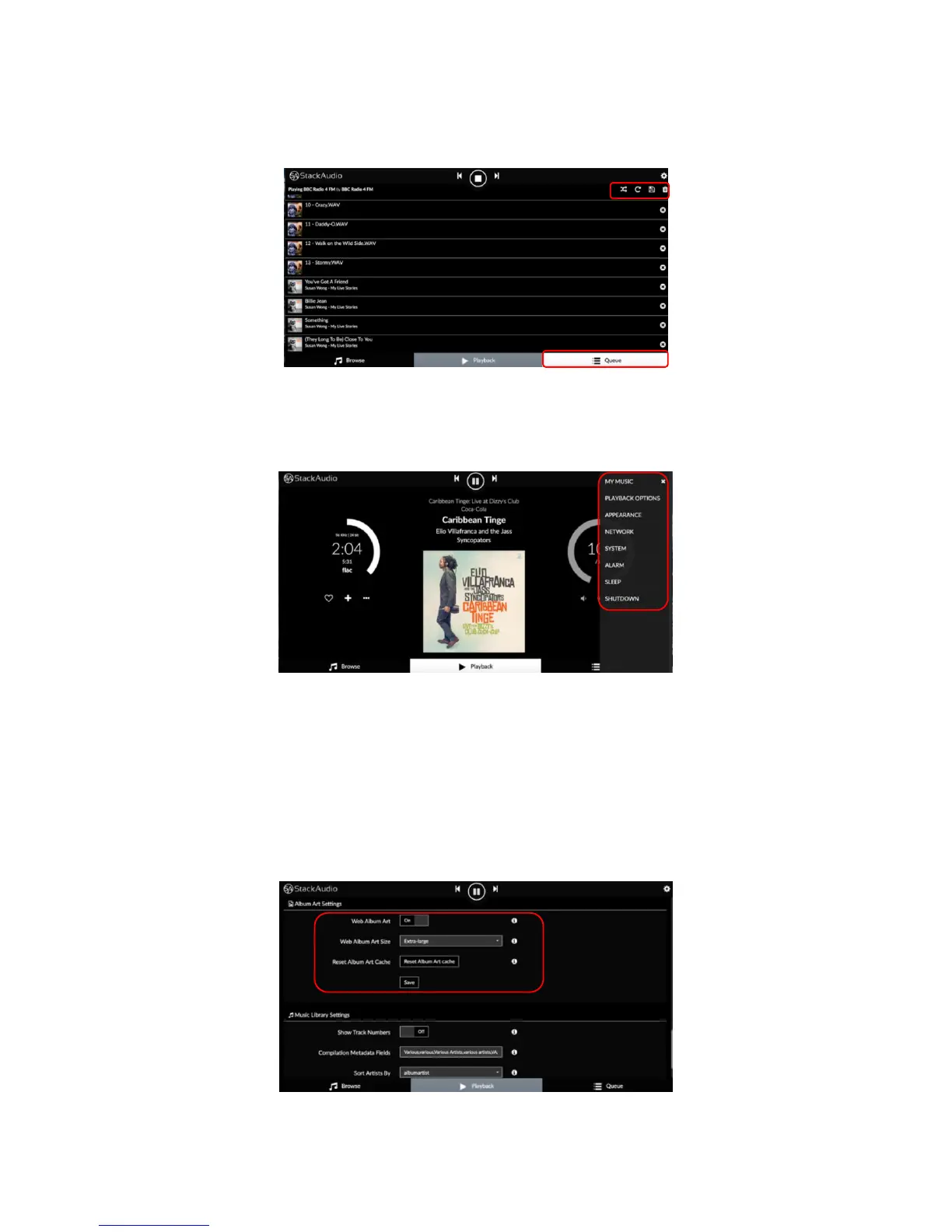
The queue screen shows a cumulative list of all tracks and sources played and
queued with options to manage individual tracks of the whole queue:
The settings menu can be accessed from the settings symbol top right of any of the
main screens:
Settings menus
MY MUSIC
Update and change music database entries, add network drives, set functionalities
for UPNP Renderer, Shairport-Sync, Roon Ready and DNLA Browser. You can also
enter user names and passwords for Spotify, Tidal and Qobuz accounts (see
browse screen section above) and adjust Music Library and Album Art settings e.g.:



 To Next Page