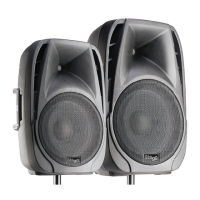
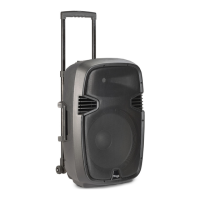
FUNCTIONS:
- MULTIMEDIA PLAYER: Audio player, Bluetooth™ device.
- USB INPUT USB Connector of the media player.
- MIC INPUT Plug a mic into this port for public address usage and let your
voice be heard. (No phantom power)
- AUX INPUT Connect a CD player, digital media player, mixer, or other
media source to these inputs.
MIX / LINE OUTPUT RCA or XLR output of the master signal of all input
sources for connection to a line input of a mixer, amplifier or another active
speaker.
- LINE / PLAYER TOGGLE SWITCH If you are using the media player,
press the switch down to select the media player as a source. To use the
Aux input, leave the switch up to select it. If this switch is not present line in
is automatically linked to the media player
- AUX / LINE INPUT VOLUME CONTROL This knob is used to control
volume of the Aux Input or media player.
- MASTER VOLUME CONTROL This knob is used to adjust the total
volume level.
- MIC VOLUME CONTROL This knob is used to control the Microphone
level.
- HIGH CONTROL This knob is used to regulate the amount High
frequency applied to the output signal.
- LOW CONTROL This knob is used to regulate the amount Low frequency
applied to the output signal.
- BANDS EQUALIZER: 5 faders to regulate the amount of different
frequencies applied to the output signal.
- POWER LED Indicates if the speaker is powered on or off.
- CLIP LED This LED will flash red if the input signal is clipping. If this
happens decrease the level of the Mic, Aux or media player volume.
- AC INPUT CONNECTOR Connect the included power cord to the AC
input connector before switch on the unit.



 To Next Page