EasyManua.ls Logo

Stahl 6-A Series - User Manual

Default Icon
60 pages
Print Icon
To Next Page IconTo Next Page
Loading...
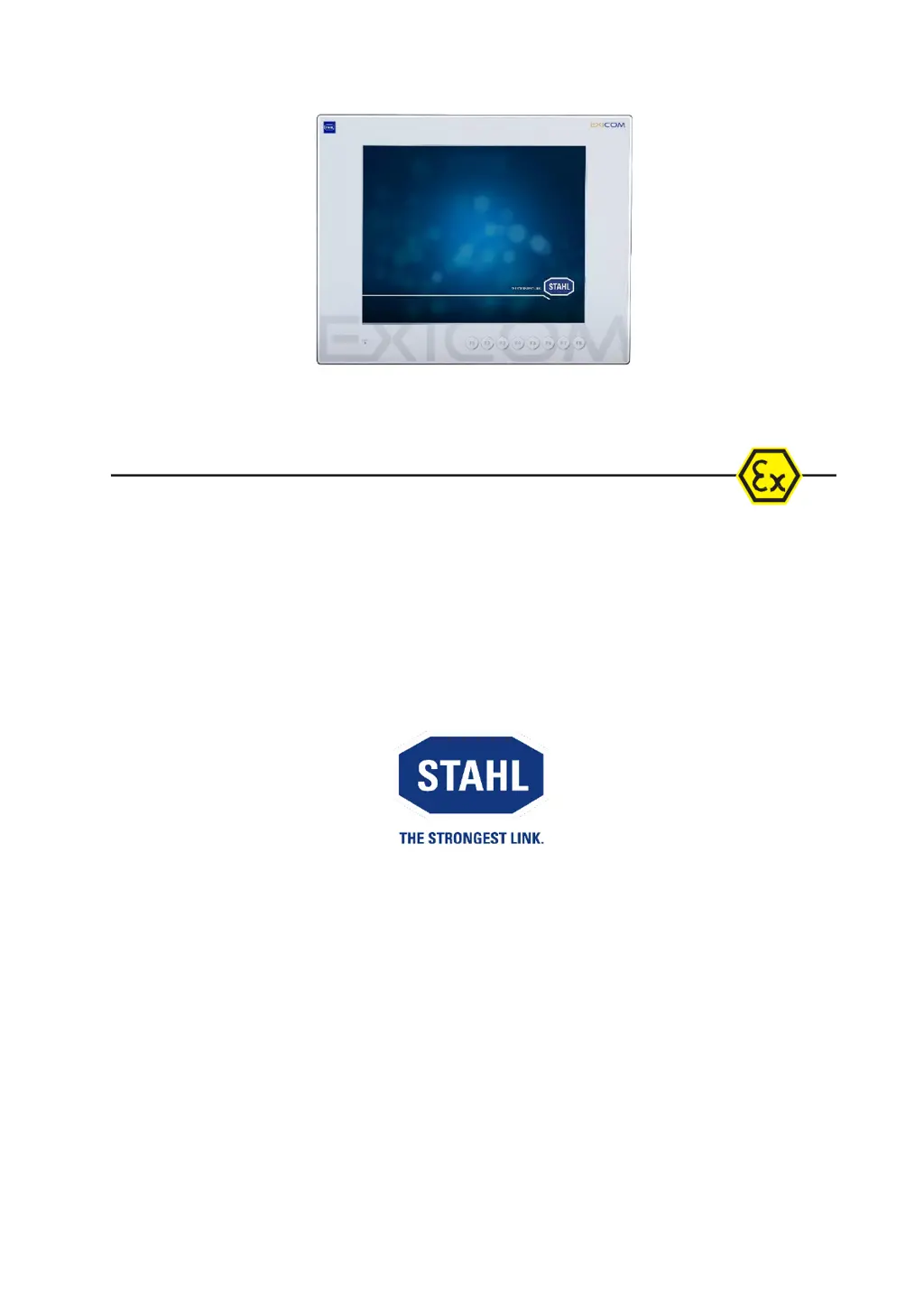
Operating Instructions
Device platform EAGLE
ET-xx6-A
SERIES 300 Operator Interfaces
SERIES 400 Panel PC
SERIES 500 Thin Clients
HW-Rev. ET-xx6-A-FX: 03.00.12
HW-Rev. ET-xx6-A-TX: 03.00.22
HW-Rev. ET-xx6-A-FX-BT: 03.00.16
HW-Rev. ET-xx6-A-TX-BT: 03.00.26
HW-Rev. ET-3x6-A-FX-BS: 03.00.17
HW-Rev. ET-3x6-A-TX-BS: 03.00.27
Operating Instructions version: 03.00.36
Issue date: 03.05.2021

Table of Contents

Questions and Answers

  • W
    Wendy LeAug 6, 2025
    What to do if the clock function is not maintained on Stahl 6-A after switching on?
    • C
      Christina StuartAug 6, 2025
      If the clock function on your Stahl Control Systems device isn't maintained after being switched on for a longer period, it's likely due to battery failure. The capacitor can only maintain the clock function for approximately four days. As a result, you'll need to manually reset the time and date or reset it via a connected system.

Stahl 6-A Series Specifications

General IconGeneral
Power Supply24 V DC
CategoryControl Systems
InstallationDIN Rail
ApprovalsATEX, UL
Operating Temperature-20°C to +60°C
ManufacturerStahl

Related product manuals