EasyManua.ls Logo

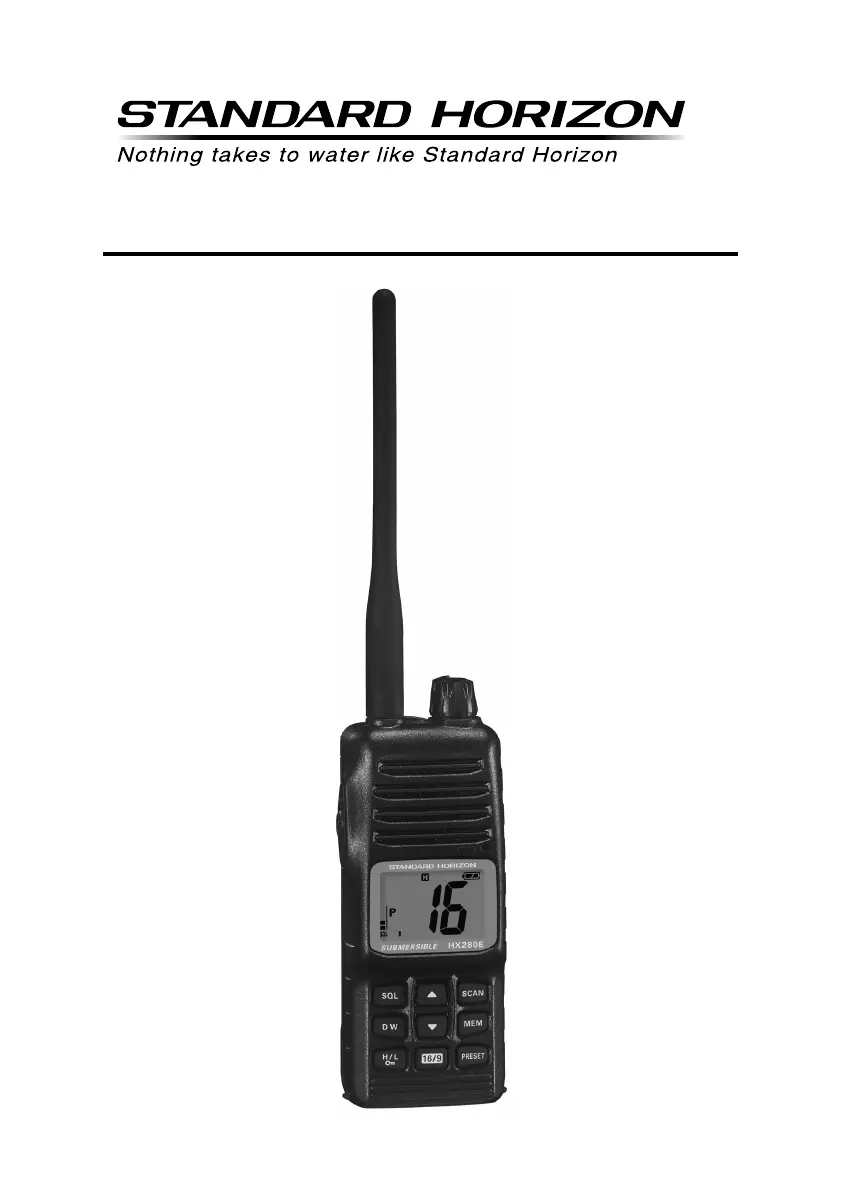
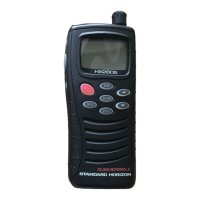
Standard Horizon HX280E - User Manual

Standard Horizon HX280E
32 pages
Print Icon
To Next Page IconTo Next Page
Loading...
Page 1HX280E
HX280E
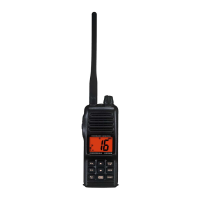
VHF FM Marine Transceiver
Owners Manual

Other manuals for Standard Horizon HX280E

Questions and Answers

  • B
    Brenda MillerJul 31, 2025
    What to do if speaker audio is not heard when pressing the [SQL] key on Standard Horizon Transceiver?
    • L
      Linda RussellJul 31, 2025
      If the speaker audio is not audible when you press and hold the [SQL] key on your Standard Horizon Transceiver, there are two possible causes: * The battery may be low - charge the battery. * The audio volume level may be too low - turn the VOL knob clockwise to increase the volume.
  • S
    Shane MendozaAug 6, 2025
    Why some keys do not operate on my Standard Horizon HX280E?
    • A
      Angela BallAug 6, 2025
      If some keys on your Standard Horizon Transceiver do not operate, it is possible that the Key Lock is activated. To resolve this, turn the Key Lock off. Consult section 5.1 of this manual ([H/L( )] key) for instructions.
  • C
    Catherine MartinezAug 12, 2025
    How to fix Standard Horizon HX280E SCAN(DW) key not starting the scan?
    • R
      roysandersAug 12, 2025
      If the [SCAN(DW)] key on your Standard Horizon Transceiver does not start the scan, it could be due to the following reasons: * No channels are memorized. Use the [MEM] key to enter desired channels into the transceiver’s memory. * The squelch is not adjusted properly. Adjust the squelch to the threshold or to the point where noise just disappears. Be aware that further adjustment of the squelch control may eliminate incoming signals.
  • R
    Richard GrahamAug 18, 2025
    Why can't I select bands on my Standard Horizon Transceiver?
    • L
      Lauren MartinezAug 18, 2025
      If you cannot select between USA, INTL, or Canadian bands on your Standard Horizon Transceiver, ensure that you are following the correct procedure: Hold down the [16/9] key and then press the [DW] key.
  • S
    Samantha AndersonAug 25, 2025
    How to select keylock function on Standard Horizon HX280E Transceiver?
    • J
      Julie Cook MDAug 25, 2025
      To select the keylock function on your Standard Horizon Transceiver, hold down the [H/L( )] key for 2 seconds.

Summary

GENERAL INFORMATION

VHF MARINE BAND OVERVIEW

Explains VHF marine band frequencies, range, and regulations for radio usage.

GETTING STARTED

BATTERY SAFETY PRECAUTIONS

Essential safety precautions for handling Li-Ion battery packs to prevent hazards.

CONTROLS AND INDICATORS

CONTROLS AND SWITCHES OVERVIEW

Identifies and describes the physical controls and switches on the HX280E transceiver.

LCD INDICATORS EXPLANATION

BASIC OPERATION

RECEPTION BASICS

Guides the user on how to receive signals, adjust squelch, and set volume levels.

TRANSMISSION PROCEDURES

SCANNING FEATURES

SELECTING SCAN TYPE

Procedure to select between Priority Scan (PS) and Memory Scan (MS) modes.

MEMORY SCANNING (M-SCAN)

How to program channels into memory for scanning and start the memory scan.

PRIORITY SCANNING (P-SCAN)

EMERGENCY PROCEDURES (CHANNEL 16)

MENU (“SET”) MODE CONFIGURATION

TROUBLESHOOTING GUIDE

Standard Horizon HX280E Specifications

General IconGeneral
BrandStandard Horizon
ModelHX280E
CategoryTransceiver
LanguageEnglish

Related product manuals