EasyManua.ls Logo

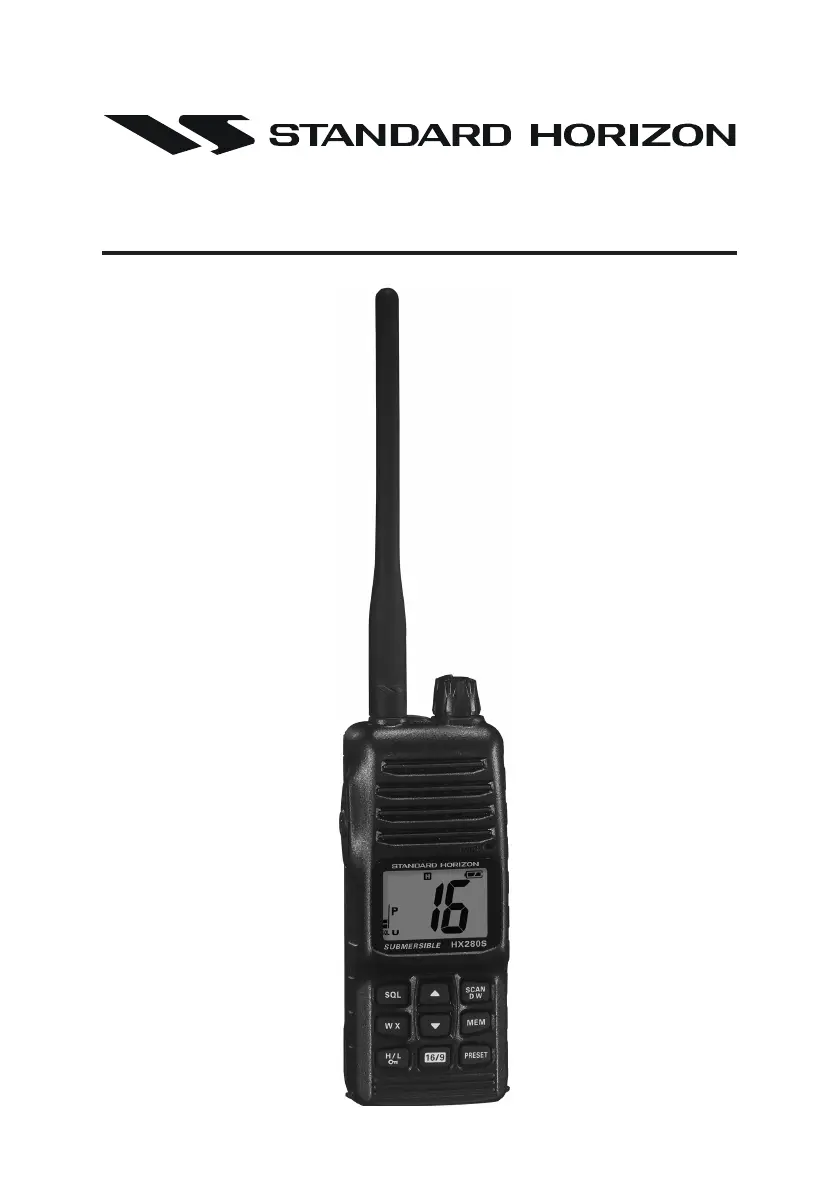
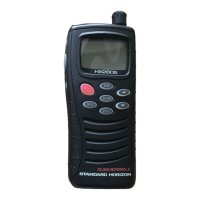
Standard Horizon HX280S - User Manual

Standard Horizon HX280S
44 pages
Print Icon
To Next Page IconTo Next Page
Loading...
Page 1HX280S
HX280S
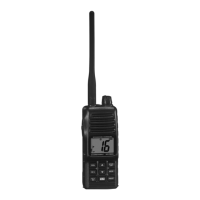
VHF FM Marine Transceiver
Owners Manual

Other manuals for Standard Horizon HX280S

Questions and Answers

  • A
    Angel PerezJul 30, 2025
    What to do if the charging indicator on CD-46 does not illuminate for Standard Horizon HX280S Transceiver?
    • J
      jesus65Jul 30, 2025
      If the charging indicator on the CD-46 does not illuminate, it may be due to a defective battery FNB-V105LI. In this case, contact your Standard Horizon dealer for assistance.
  • J
    Jose PhillipsAug 4, 2025
    What to do if speaker audio is not heard when the [SQL] key is pressed and held on my Standard Horizon Transceiver?
    • R
      Rodney OrrAug 5, 2025
      If you cannot hear speaker audio when the [SQL] key is pressed and held, there are a couple of potential causes. First, the battery may be low, in which case you should charge it. Second, the audio volume level might be too low. Try turning the VOL knob clockwise to increase the volume.
  • M
    Michelle MorganAug 9, 2025
    Why some keys do not operate on my Standard Horizon HX280S?
    • E
      Elizabeth HayesAug 9, 2025
      If some keys on your Standard Horizon Transceiver are not working, it might be because the Key Lock function is enabled. To resolve this, turn the Key Lock off. You can find instructions on how to do this in section 5.1 of this manual (refer to the [H/L( )] key).
  • D
    dakotafreemanAug 14, 2025
    How to start the scan on Standard Horizon Transceiver if the [SCAN(DW)] key does not work?
    • A
      Aaron DayAug 14, 2025
      If the [SCAN(DW)] key isn't starting the scan on your Standard Horizon Transceiver, it could be due to a couple of reasons. First, there may be no channels memorized. Use the [MEM] key to enter desired channels into the transceiver’s memory. Second, the squelch may not be adjusted correctly. Adjust the squelch to the threshold or to the point where noise just disappears, as further adjustment may eliminate incoming signals.
  • M
    Michael MartinezAug 19, 2025
    How to select keylock function on Standard Horizon HX280S?
    • W
      William JonesAug 19, 2025
      To activate the keylock function on your Standard Horizon Transceiver, hold down the [H/L( )] key for 2 seconds.
  • S
    Stanley DeanAug 25, 2025
    How to select between USA, INTL, or Canadian bands on my Standard Horizon HX280S Transceiver?
    • D
      drakejefferyAug 25, 2025
      To select between USA, INTL, or Canadian bands on your Standard Horizon Transceiver, hold down the [16/9] key and press the [WX] key.

Summary

RF EXPOSURE SAFETY STATEMENT

GENERAL INFORMATION

GETTING STARTED

BATTERIES AND CHARGERS

Details the types of batteries and chargers, including safety precautions.

BATTERY SAFETY

Outlines critical safety guidelines for handling Li-Ion battery packs.

CONTROLS AND INDICATORS

CONTROLS AND SWITCHES

Identifies and explains the function of all physical controls and switches.

LCD INDICATORS

Explains the meaning of various icons and indicators displayed on the LCD screen.

BASIC OPERATION

INITIAL SETUP

Guides the user through the initial setup process for the transceiver.

RECEPTION

Explains how to receive signals and adjust squelch for clear audio.

TRANSMISSION

Details how to transmit, including power settings and mic usage.

NOAA WEATHER CHANNELS

How to access NOAA weather broadcasts and alerts.

SCANNING

How to set up and use memory and priority scanning modes.

SELECTING THE SCAN TYPE

How to choose between Memory Scan and Priority Scan.

MEMORY SCANNING (M-SCAN)

Detailed steps for setting up and using memory scanning.

EMERGENCY (CHANNEL 16 USE)

Procedure for making an emergency call on Channel 16.

MENU (“SET”) MODE

MAINTENANCE

TROUBLESHOOTING CHART

Lists common problems and their solutions for the transceiver.

VHF MARINE CHANNEL ASSIGNMENTS

VHF MARINE CHANNEL CHART

Detailed listing of marine channels, frequencies, and uses.

WARRANTY

SPECIFICATIONS

Standard Horizon HX280S Specifications

General IconGeneral
BrandStandard Horizon
ModelHX280S
CategoryTransceiver
LanguageEnglish

Related product manuals