3.1.3 9-Split
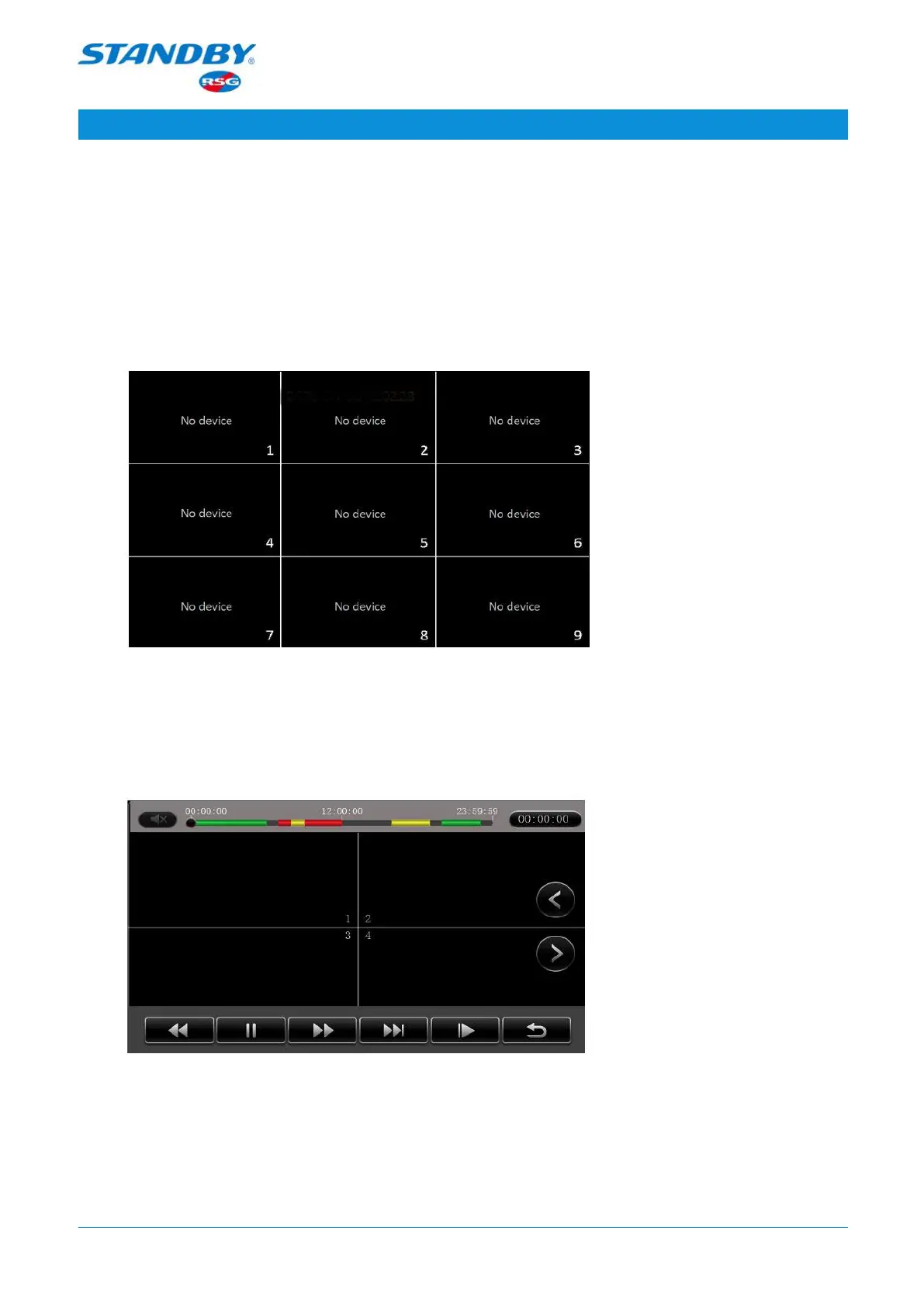
9-Split: On the live view screen, tap 9-Split to display the videos of nine channels. The
screen only displays the videos of channels accessed by a camera, as shown in the
following figures. Double-tap a channel on the screen to expand and display it.
Double-tap again to return to the 9-split layout.
3.1.4 Playback
Playback: On the live view screen, tap Playback to go to the Playback screen, as shown
in the following figure:
The playback starts from the point of 2 minutes ago from the current time. If the video
is previewed on one split screen, it will be played back on the single split screen; if
videos are previewed in the 9-split layout, videos of the first four channels will be
played back.
Standby RSG UK Limited Phone: +44 (0)1543 438800 Email: info@standbyrsg.co.uk Web: www.standbyrsg.co.uk C-10696-A_HW-01/23
When attention matters.
USER GUIDE AEX-ST-DVR-X1
8



 To Next Page