Standby RSG UK Limited Phone: +44 (0)1543 438800 Email: info@standbyrsg.co.uk Web: www.standbyrsg.co.uk C-10696-A_HW-01/23
When attention matters.
USER GUIDE AEX-ST-DVR-X1
9
Operations that can be performed on the Playback screen include volume
adjustment/mute/fast forward/fast reverse/pause/speed setting (slow: 1/2×, 1/4×,
1/8×, and 1/16×; fast: 2×, 4×, 8×, and 16×)/back/channel switching and dragging the
timeline.
To switch between channels, tap < or > on the right.
3.1.5 Biz Menu
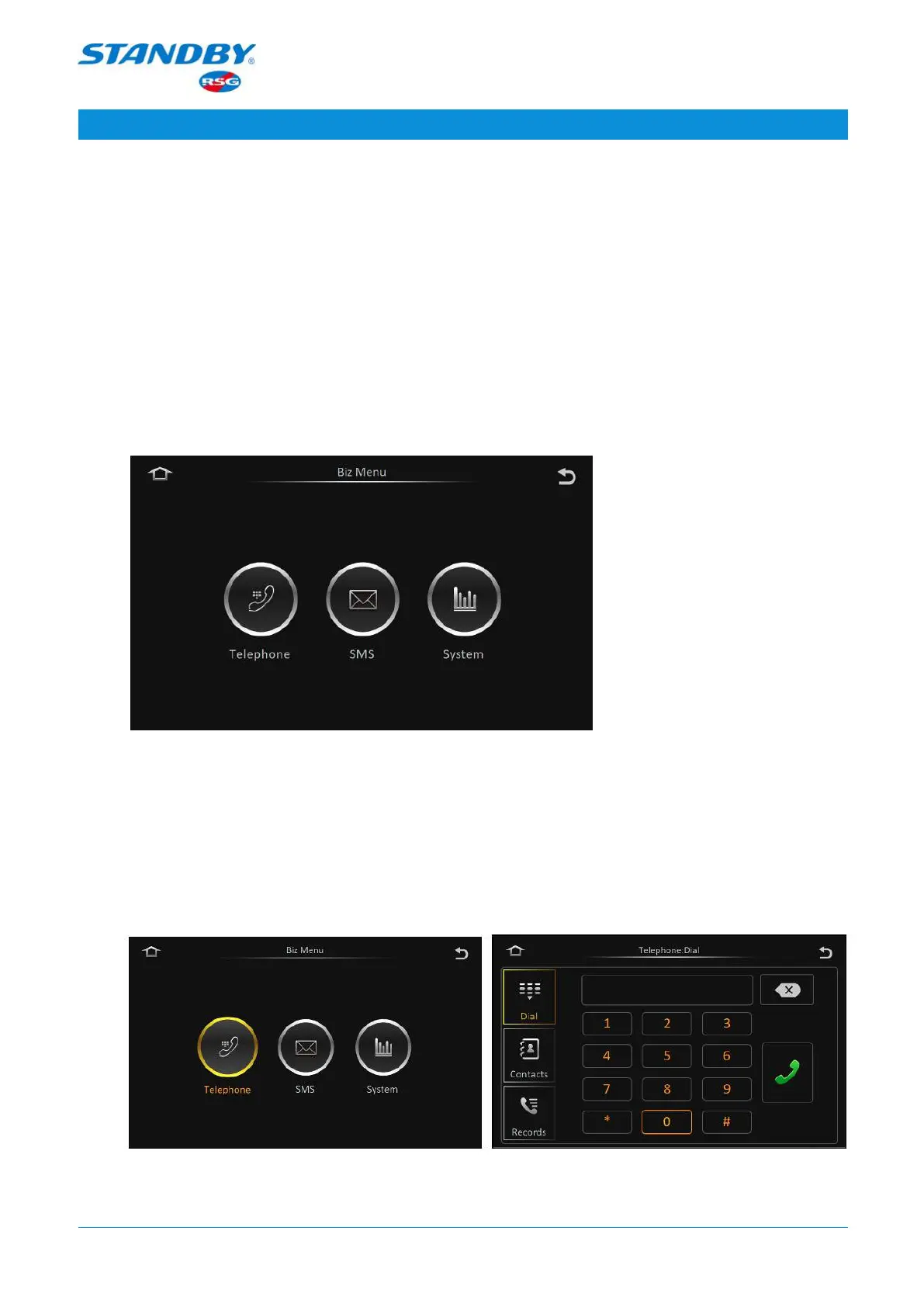
Biz Menu: On the live view screen, tap Biz Menu to go to the following screen:
From left to right, the buttons on the screen are Telephone, SMS, and System.
3.1.5.1 Telephone
On the live view screen, tap Biz Menu > Telephone to go to the following screen, on
which you can make calls.



 To Next Page