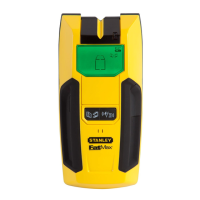
Stanley Stud Sensor 75
The Stud Sensor 75 uses electronic signals to locate the edges of studs or
joists through drywall and plywood up to 3/4". Once the edge of a stud has
been detected, the Stud Sensor 75 displays a red LED and sounds an
audible tone. A pencil notch allows you to easily note the stud edges on the
wall.
OPERATING INSTRUCTIONS
Battery:
Open door on back of unit and connect a 9-volt battery to clip. Put battery
back into case and close back battery door.
Usage:
1. Hold the Stud Sensor 75 flat against the surface, making firm contact.
• Press in and hold the activation button. The green and red LED’s will light.
When the red LED goes off, the unit is calibrated. Keep holding the
activation button during all of the following procedures.

 Need help?
 General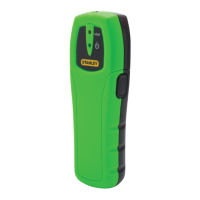

 To Next Page