4. If you are using Windows XP, the Software Installation window is displayed. Choose the
Continue Anyway button.
If you are using Windows Vista or later, the Windows Security dialog box is displayed.
Choose the Install button.
5. The driver is installed. If the installation process requests any files, locate them on the CD
drive (e.g. D:) and choose the Retry button.
6. Wait while the software is installed.
7. Choose the Finish button.
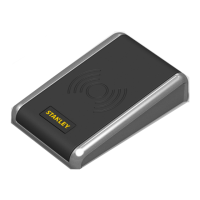
8. Plug the desktop reader into a spare USB port.
Installing OneProx Admin
1. Insert the Admin Reader CD.
2. Browse to root of the Admin Reader CD.
3. Copy the OneProx Admin folder and all its contents to a suitable location on your PC.
13
English


 To Next Page