11
Wireless Tag Reader Installation Guide
3 To use EOL resistors, move switch 1 of the Options DIP switch block to the ON
position.
See
Figure 6 on page 8
. For a definition of EOL, see “Using End Of Line
Resistors in Standby Mode” on page 10.
Setting the WTR Address
Each WTR must have an address unique within the system. Addresses are entered by set-
ting the Address DIP Switches.
To enter a network address for the WTR:
1 Choose a number for the address. The number can range from 0 to 255.
2 Look in the table on page 15 for the address number. Move the Address DIP
switches to the
positions indicated in the table.
Note: Record the WTR serial number and address for system configuration purposes.
Setting Indicator LEDs and Buzzer
You can disable the LED and buzzer that indicate WTR operations by moving the
Options DIP switch 3 to the
OFF position. See Table 2 for the indicator displays.
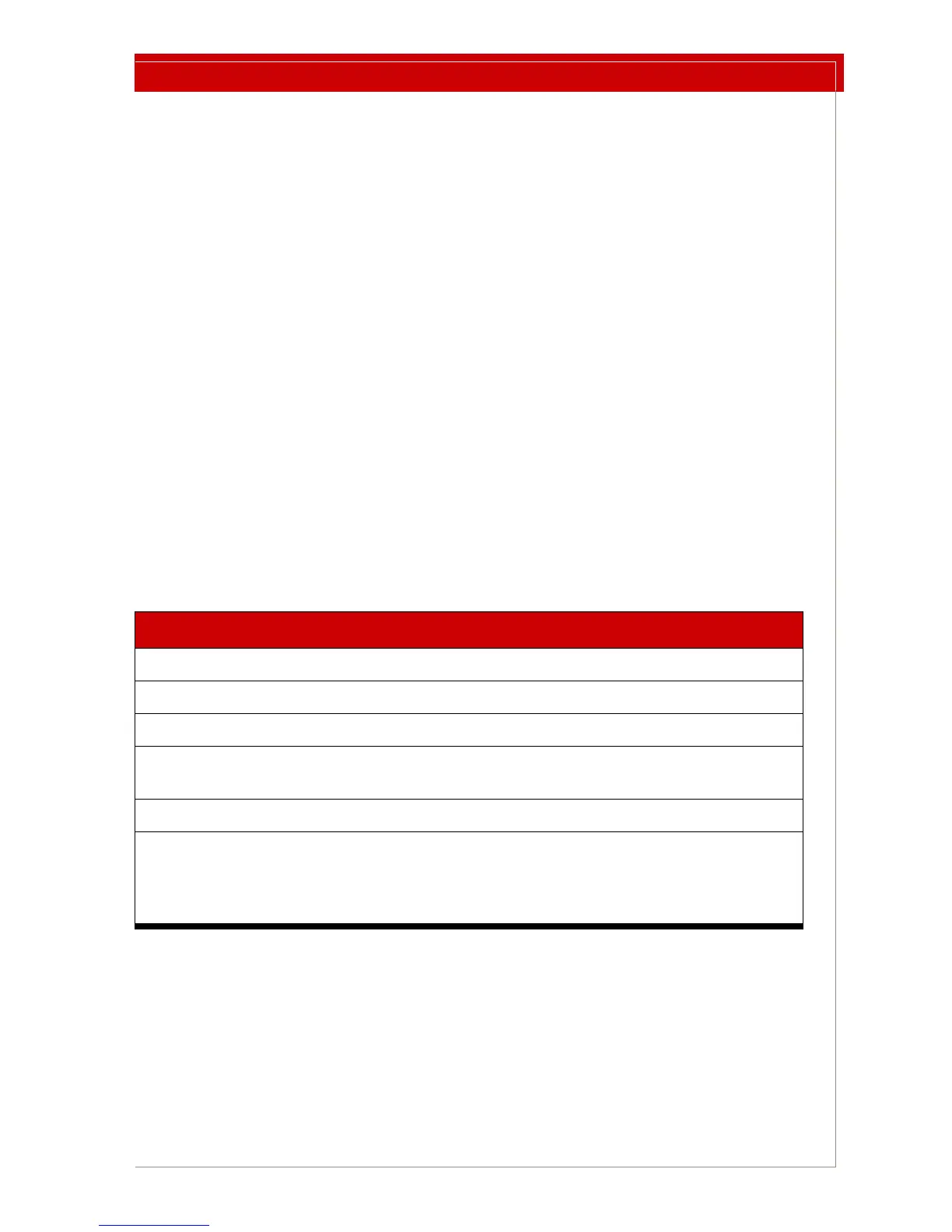
Table 2: Tag Scanning Indicators
LED and Buzzer Operation
Buzzer emits short beep. Power up.
Green LED slowly flashing. Power on and LF Field off.
Green LED on continually. Power on and LF Field on.
Red LED briefly flashes once every
1.5 second
s.
Main power has been lost. See Low
Power Mode below.
Red LED flashes and buzzer beeps Tag scanned, network message sent.
Red LED continually emitting brief
fl
ashes. Every 12 seconds, a longer
red LED flash occurs and the buzzer
beeps.
Error: The WTR has detected one of
three error cond
itions. Network error
messages have been sent. See
“Troubleshooting” on page 12.
To select normal or reduced annunciation:
1 Locate switch 3 on the Options DIP switch. See Figure 6 on page 8.
2To enable indicat
ors move switch 3 to the ON position,
– or –
To di
sable indicators move switch 3 to the OFF position.



 To Next Page