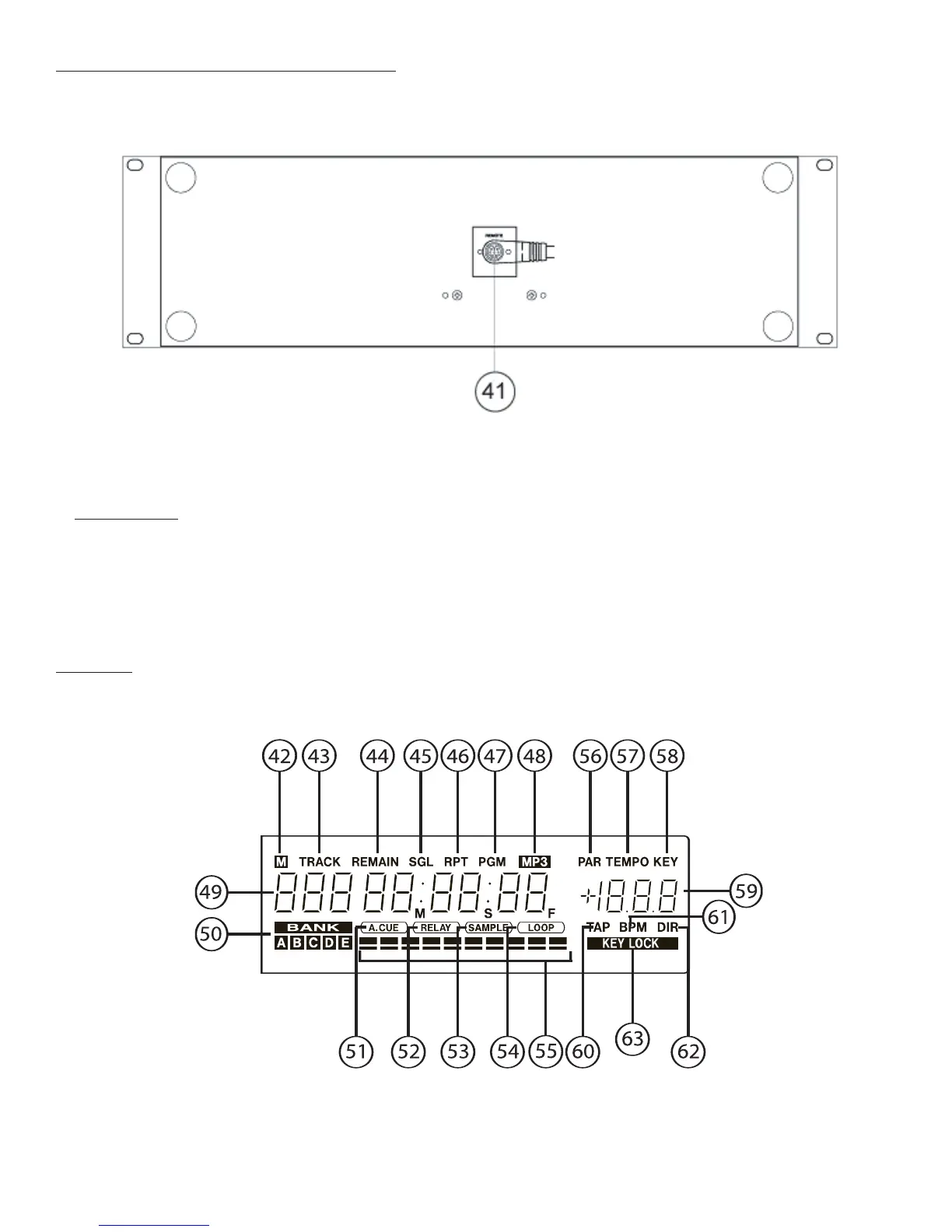
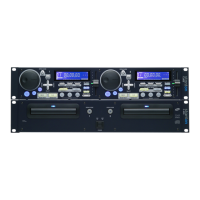
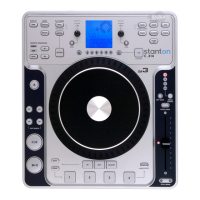
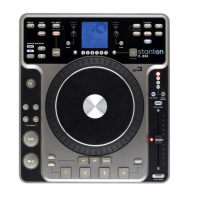
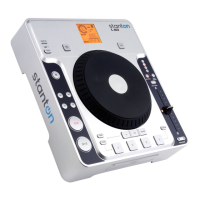
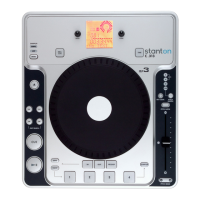
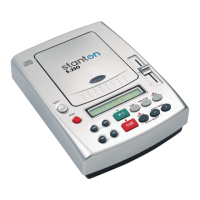
1-4. Remote Controller (Bottom Panel)
41. REMOTE connector
Connect this to the REMOTE connector on the rear panel of the main unit.
WARRNING
* DO NOT use any cable except the cable supplied with the C.504.
* Connect the cable to the C.504 as shown on the illustration on the rear panel. If you con-
nect the cable in any other way, you may damage the C.504.
1-5. LCD
42. M indicator
If there is track memory data for the current selected track in the current selected memory bank, this
indicator lights.


 To Next Page