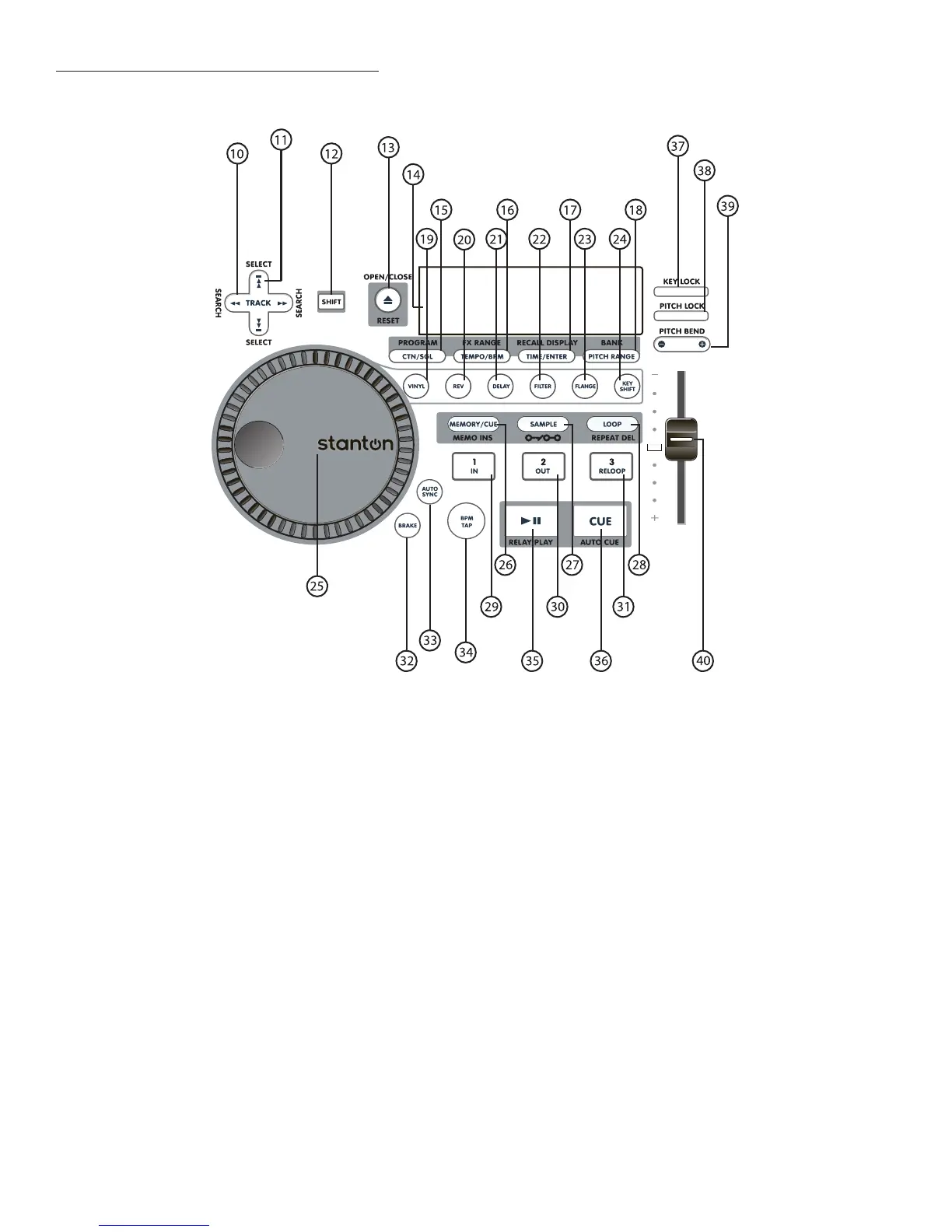
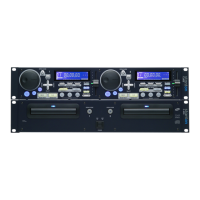
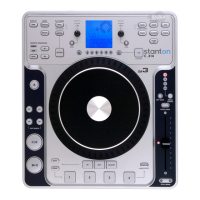
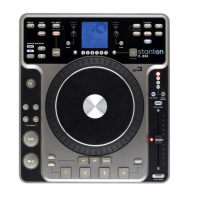
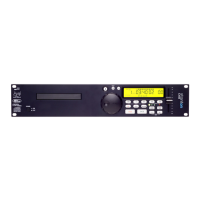
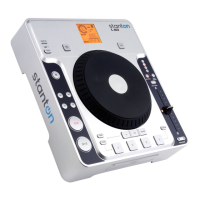
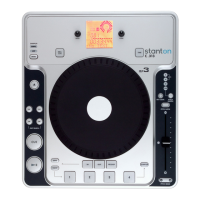
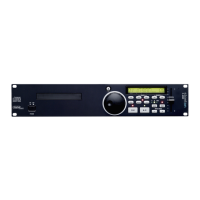
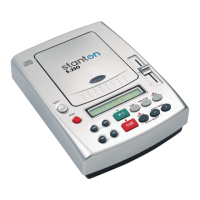
1-3. Remote Controller (Front Panel)
10. SEARCH Buttons
Search within the track selected, either forward >> or backward << with these buttons. When unit is
pausing, pressing this button shortly moves the start / cue point in 1 frame steps.
11. SELECT Buttons
Use these to perform track searches (next / previous) track. Search from track to track, either for-
ward (up arrow) or backward (down arrow) with these buttons.
12. SHIFT Button
The SHIFT button is a modifier button. Any button outlined with a silver border or box has a shift func-
tion / feature. This feature is written above or below the button itself. Holding SHIFT while pressing
another button performs the following functions:
SHIFT + OPEN/CLOSE
= [
RESET]: Clears the all track memories and initializes the preset menu.


 To Next Page