EasyManua.ls Logo

Staples SPL-NMC300A - User Manual

Staples SPL-NMC300A
16 pages
Print Icon
To Next Page IconTo Next Page
Loading...
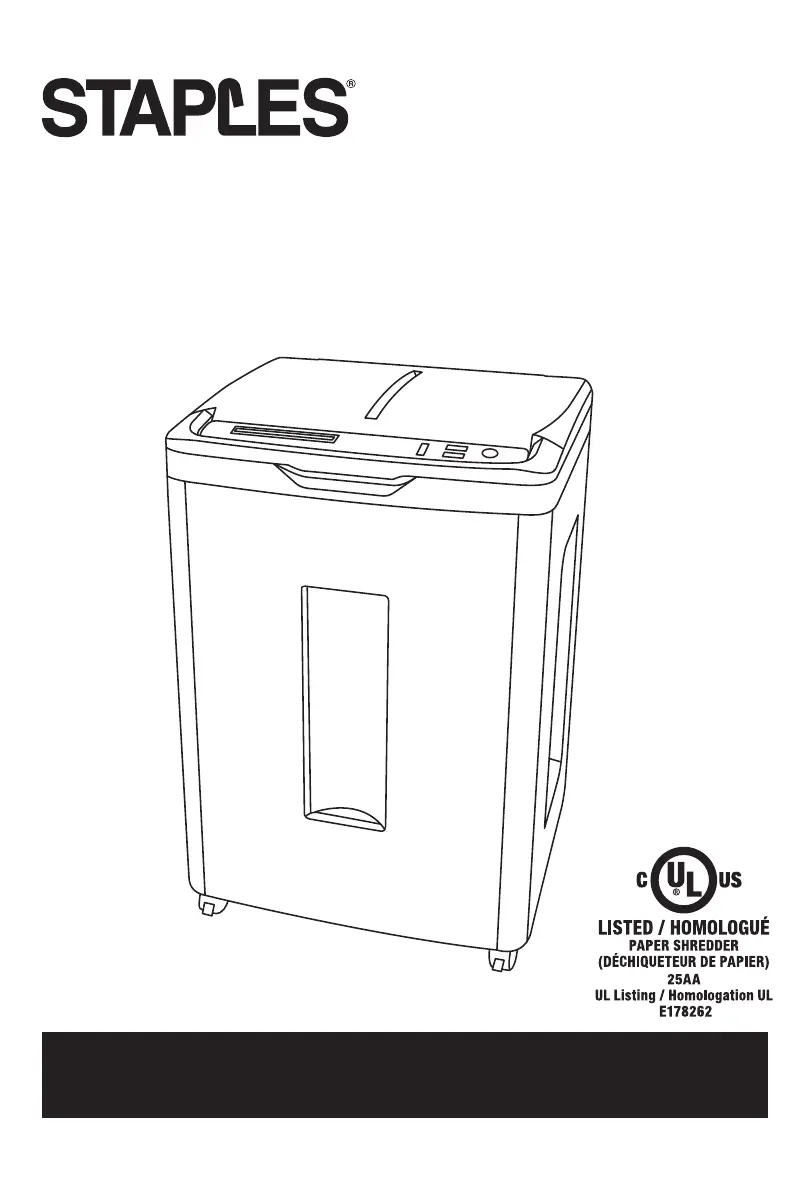
OPERATOR’S MANUAL
AUTOFEED SHREDDER MICRO CUT
Model No. SPL-NMC300A
IMPORTANT: READ CAREFULLY BEFORE USE
PRODUCT SUPPORT: 1-866-790-8026

Questions and Answers

  • J
    Julia DavisAug 3, 2025
    What to do if my Staples SPL-NMC300A Paper Shredder won't power up?
    • B
      bochoaAug 3, 2025
      If your Staples Paper Shredder doesn't power up, try the following: - Ensure the power cord is properly plugged into the shredder. - Check that the Power LED is ON. - Clear any paper jam. - Make sure the wastebasket is properly closed. - Check if the shredder has overheated.
  • C
    christopher24Aug 9, 2025
    What to do if my Staples SPL-NMC300A Paper Shredder has a paper jam?
    • D
      Darrell RamirezAug 9, 2025
      If your Staples Paper Shredder has a paper jam, try pressing the reverse button. If the material isn’t ejected, unplug the machine from the AC outlet and manually remove any unshredded material from the top of the feed opening. Re-insert the plug; the overload/overheat light should go out, and normal shredding can resume.
  • S
    Susan MckinneyAug 16, 2025
    Why does my Staples Paper Shredder power turn off while shredding?
    • U
      ucollinsAug 16, 2025
      Your Staples Paper Shredder might turn off while shredding because it exceeds the maximum run time or shredding capacity, or a major jam has been detected. This unit is equipped with a motor overload protection circuit, which may terminate power automatically.
  • M
    Michael JohnsonAug 21, 2025
    What to do if Staples SPL-NMC300A Paper Shredder works but paper does not feed through?
    • S
      Steven MarshallAug 21, 2025
      If your Staples Paper Shredder works but paper does not feed through, ensure that the waste bin is not overfilled and that the feed rollers are clean and free of dust. If rollers are worn, please call product support for replacement information.
  • G
    Gregory MillerAug 27, 2025
    Why does my Staples SPL-NMC300A Paper Shredder shred fewer sheets than listed capacity?
    • J
      Juan LewisAug 27, 2025
      Your Staples Paper Shredder might shred fewer sheets than its listed capacity if the cutting blades need lubrication.

Summary

Important Safety Instructions

General Safety Warnings and Precautions

Critical warnings to avoid injury and ensure safe operation, including handling and materials.

Operating Instructions

Detailed Operating Procedures

Specific Shredder Function Modes

In-depth explanation of Start, Stop, Reverse, Forward, Overload, Door Open, Overheat, Bin Full.

Care and Maintenance Procedures

Cleaning feed rollers and lubricating cutting blades for optimal performance.

Troubleshooting Guide

Unit Power-Up Issues

Solutions for issues when the shredder fails to power on.

Paper Jam and Feeding Problems

Steps to clear paper jams and resolve feeding issues.

Warranty Information

Staples SPL-NMC300A Specifications

General IconGeneral
Cut TypeMicro-Cut
Security LevelP-4
Shred TypeMicro-Cut
Shredder TypePersonal
Bin Capacity4.2 gal
Dimensions8.2 in x 13.9 in x 16.7 in
Shred Size4 x 12 mm
Power120V
Sheet Capacity8 sheets at a time
Run Time6 min

Related product manuals