8
|
Get to know your Remote Control 2.0
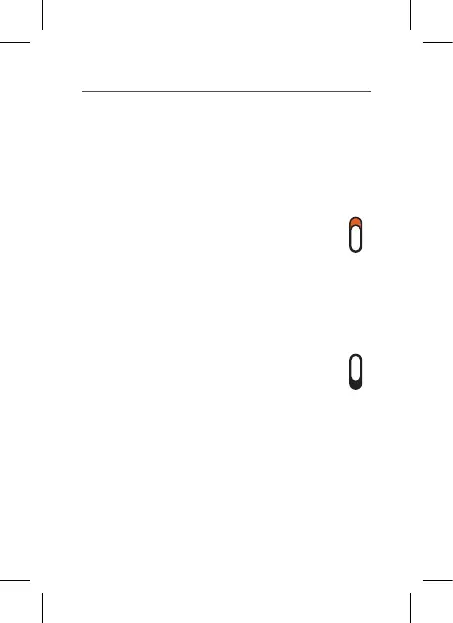
Lock/Unlock switch
Use this switch to either make an
adjustment to your hearing aids, or
to prevent unintended hearing aid
changes.
• Locked position (down):
Move switch down to lock your
Remote. Keeping your Remote
locked will prevent unintended
changes and can also help extend
the battery life.
• Unlocked position (up):
Move the switch up to adjust
your hearing aids.
Lanyard (included accessory)
The lanyard can be worn around the
wrist to keep your Remote secure.


 To Next Page