13
|
Get to know your Remote Microphone +
To pair with a Bluetooth device
For the Remote Mic + to wirelessly
receive audio from a Bluetooth
device, you must first pair them.
STEP 1: Turn ON your
Remote Mic +.
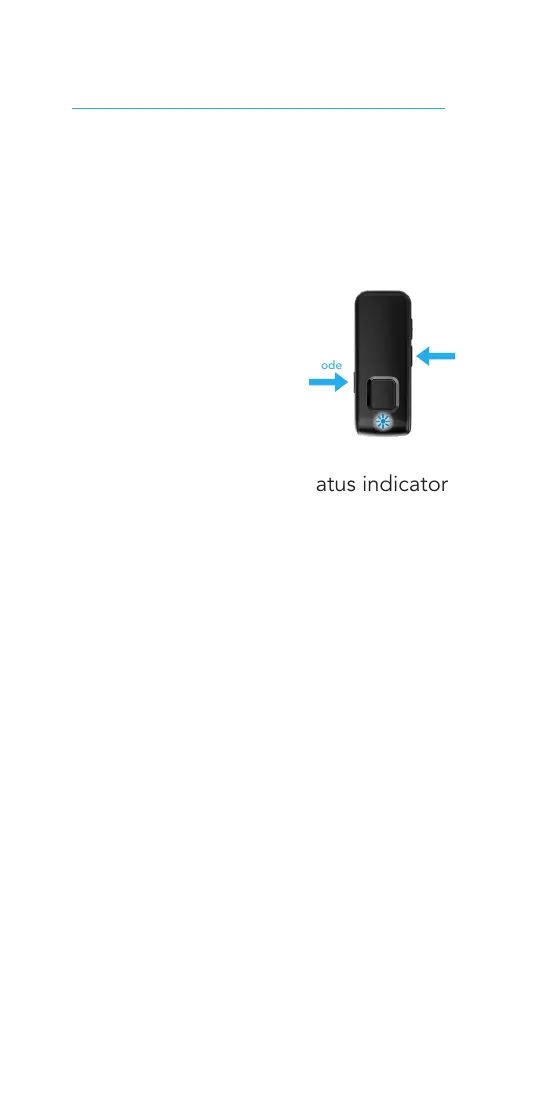
1. Press the Input
Mode and Volume
Down (-) buttons
simultaneously for
7 seconds until the status indicator
light rapidly blinks blue.
STEP 2: Put your Bluetooth device in
pairing mode.
1. When Remote Mic + appears on
your Bluetooth device, select it.
NOTE: For more details, see the
Bluetooth device operations guide.
2. The Remote Mic + status indicator
light will show the pairing status
• Successful pairing = green status
indicator light for 2 seconds
• Unsuccessful pairing = red status
indicator light for 2 seconds
Set up your Remote Mic +
Input
Mode
Volume −



 To Next Page