23
|
Get to know your Remote Microphone +
Use your Remote Mic +
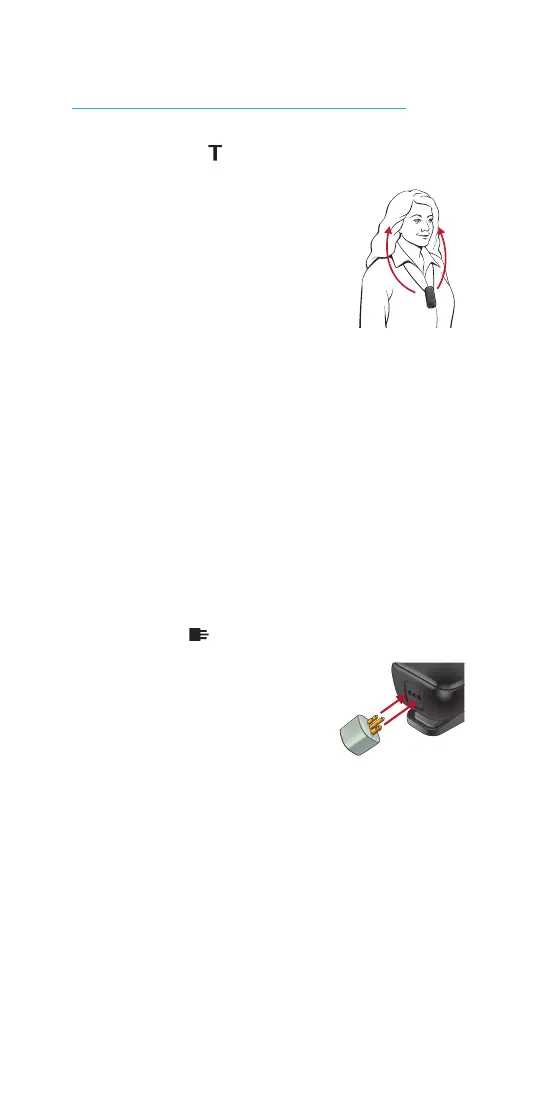
Loop system
The Remote Mic + can
receive audio from a Loop
system (available in some
public buildings). Wearing
the Remote Mic + in a
vertical orientation provides
the best performance. In this mode,
the Remote Mic + disables Bluetooth
connections. Upon exiting this mode,
the Remote Mic + will attempt to
re-establish a Bluetooth connection.
NOTE: A manual reconnection may be
necessary. For more details, see the
Bluetooth device operations guide.
FM system
When an optional FM
transmitter is attached
via the Europin
connector, the Remote
Mic + can receive audio from an FM
system. In this mode, you can wear the
Remote Mic + or place it on a nearby
stable surface.



 To Next Page