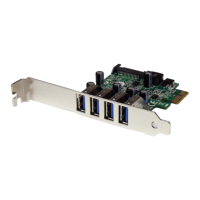
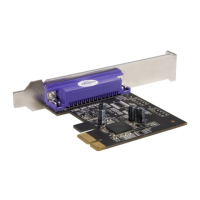
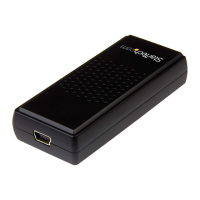
Instruction Manual
3
Driver Installation
Windows XP/ Server 2003/ Vista/ Server 2008 R2/ 7
1. Once the computer has started and the operating system is fully loaded, insert the
provided Driver CD into the computer’s CD/ DVD drive.
2. Autorun should give you the option to browse the les on the CD or automatically
open the CD.
If Autorun does not start, Go into “My Computer” and access the CD/DVD drive that
the CD is in.
3. Run the “setup.exe” le on the CD to launch the driver installation program. Follow
the on screen instructions to complete the driver installation.


 To Next Page