EasyManua.ls Logo

StarTech.com SDOCK2U313R - About the LED Indicators

StarTech.com SDOCK2U313R
12 pages
Print Icon
To Next Page IconTo Next Page
To Previous Page IconTo Previous Page
Loading...
Quick start guide
7
About the LED indicators
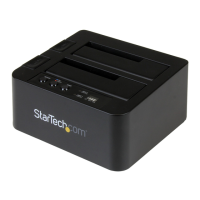
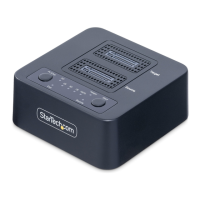
The SDOCK2U313R includes ve LED indicators: a power LED, a PC/COPY mode LED,
two drive activity LEDs, and a duplication progress LED. For more information about
what the LED indicators represent, consult the table below.
State POWER
button
LED
PC/
COPY
LED
Drive 1
(destination for
duplication)
Drive 2
(source for
duplication)
Blue
LED
Red
LED
Blue
LED
Red
LED
PC mode
Turned on and
ready
Solid
blue
Solid
blue
On O On O
PC mode
Drives are active
Solid
blue
Solid
blue
On Blinking On Blinking
Duplication mode
Turned on and
ready
Solid
blue
Solid
red
On O On O
Duplication mode
Start duplication
Solid
blue
Solid
red
On Blinking On Blinking
Duplication mode
error on drive 1
Solid
blue
Solid
red
O Solid
red
On No
change
Duplication mode
error on drive 2
Solid
blue
Solid
red
On No
change
O Solid
red
Duplication mode
Target too small
Solid
blue
Solid
red
On Blinking On O

Other manuals for StarTech.com SDOCK2U313R

Related product manuals