5
To view manuals, videos, drivers, downloads, technical drawings, and more visit www.StarTech.com/support
Hardware Installation
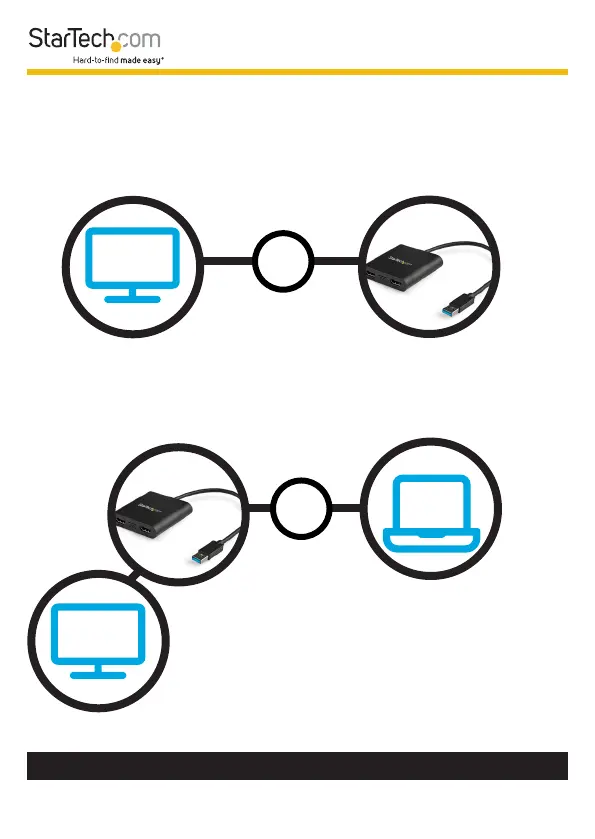
1. Connect the Display Device(s) to the Video Output Ports
on the USB Display Adapter, using the required cables (sold
separately).
2. Connect the Built-In USB Cable on the USB Display
Adapter to an available USB Port on the Host Computer.












 To Next Page