Page 10
CONTROLLER INSTALLATION
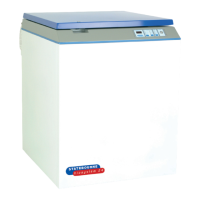
The Controller will normally be installed by the manufacturer of the Refrigerator.
If installing the Controller check that the option switches are correctly set for the installation. These are located
just behind the display, on the Controller PCB.
Details of the options and switch settings are given in Appendix B.
INITIAL SETTING UP
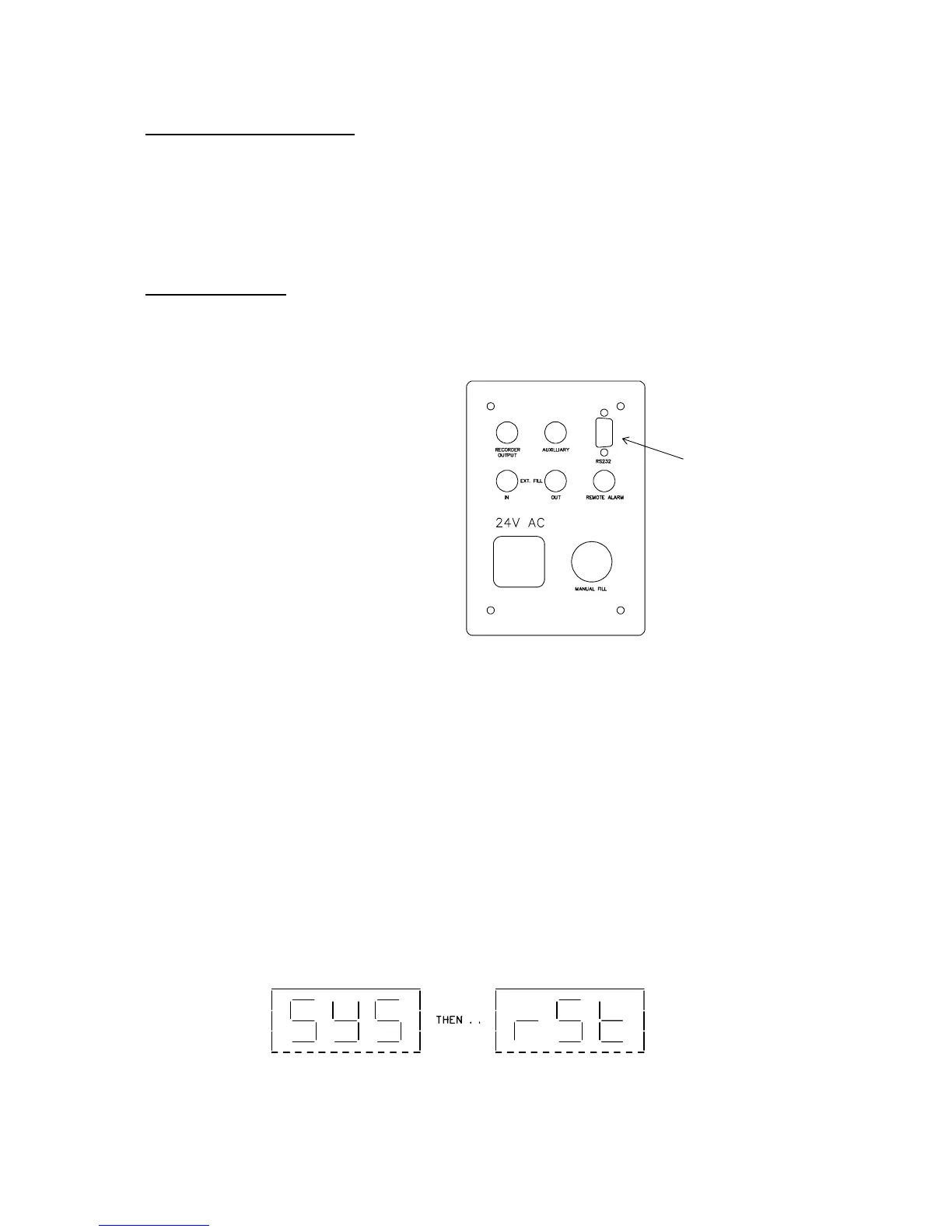
If a printer is to be used set it up and connect to the 9 way D type connector on the gland plate at the rear of the
refrigerator and change S5 to the off position (see Appendix B). For cable details and printer settings see
Appendix C.
The sensor positions are pre-set in the factory to suit Statebourne’s inventory control systems (vapour phase or
liquid phase depending on order specification). See Appendix A for details.
Plug the M269CE Safety Transformer into the mains supply and switch on.
The audible alarm may sound even if the refrigerator has been filled. Use the Mute switch to silence the
audible alarm.
If the refrigerator is empty or the LN2 level is low the refrigerator will begin to fill. Further alarms may occur and
these may be silenced using the Mute switch. Ignore any alarm messages for the time being.
When the refrigerator has finished filling the controller must be initialised.
To do this switch off the power to the refrigerator, then switch on the power whilst pressing and holding the
secret key. The alarm will sound three times and the following message will appear.
Release the switch. If a printer is connected it should record the time power was restored and a System Reset.
Printer connection
Switch on the
rinter.



 To Next Page