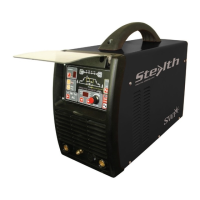
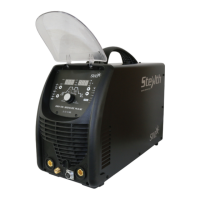
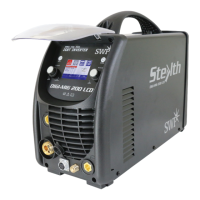
STEALTH DIGI-TIG200PD
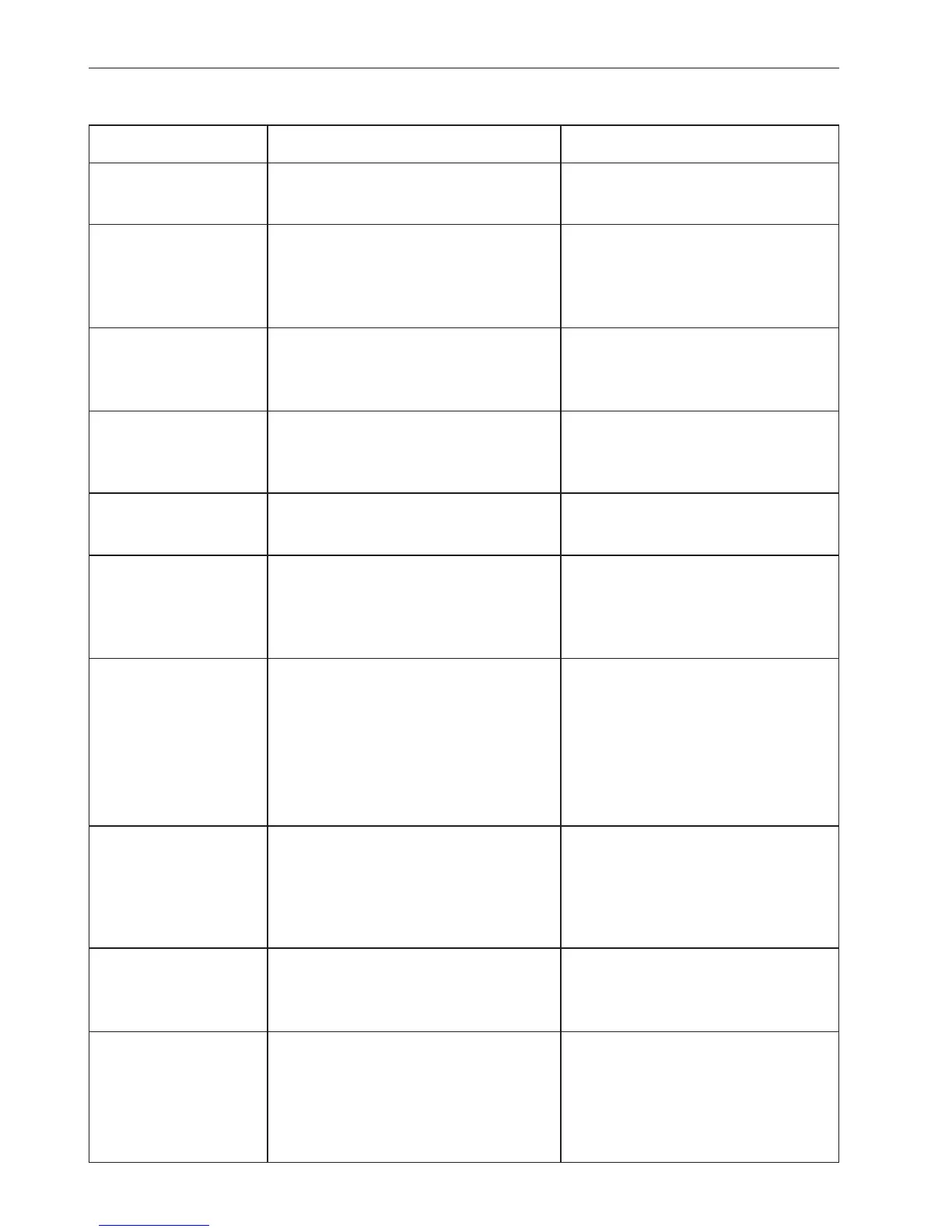
Problems Causes Solutions
Power lamp not light 1. No electricity input 1. Check incoming line
2. Switch of welder fails 2. Replace the switch
Fan not rotating 1. Fan power line is off 1. Reconnect the line
2. Enclosure blocks the fan 2. Reform the enclosure
due to deformation 3. Replace the fan
3. The fan fails
Warning lamp lights 1. Over heat (yellow lamp lights) 1. Welding after cooling
2. Over current (Green lamp lights) 2. Input voltage too low or the
machine fails
No output of welder 1. Over current protection 1. Over load using
2. Welder fails 2. Maintenance in manufacturer
or service centre
Output current 1. Input Voltage is low 2. Power line is thickened
decreased 2. Input line is too thin
Current cannot be 1. Connecting line of the 1. Reconnect the line
regulated potentiometer is off 2. Replace potentiometer
2. Potentiometer for current
regulation fails
High frequency 1. The switch fails 1. Replace torch switch
cannot be generated 2. Interval of high frequency 2. Regulating discharging interval
discharging is too big to 0.8-1.0mm
3. Distance of the torch and 3. Put torch tungsten electrode
workpiece is too far high close to workpiece
frequency arc generator fails 4. Replace high frequency arc
generator
Arc of argon welding 1. Argon gas flow not well regulated 1. Regulate well
is broken or 2. Tungsten electrode fails 2. Replace or sharpen
tungsten electrode 3. Value of current does not match 3. Select the electrode diagram
is burnt with tungsten electrode diagram and current correctly
4. After flow time too short 4. Enlarge the time
Welding torch 1. Not use the water cooling when 1. Use water cooling
overheats current is more than 160A 2. Enlarge the argon flow
2. The argon flow is the low current
Welding stops, and Self-protection has engaged
warning light is on 1. Display 801 1. Over-voltage, lower-voltage
2. Display 802 2. Over-current
3. Display 804 3. Over-temperature
4. Display 805 4. Torch switch always close
9 TROUBLESHOOTING


 To Next Page
 Loading...