Page 2 of 6
939504754 Rev C
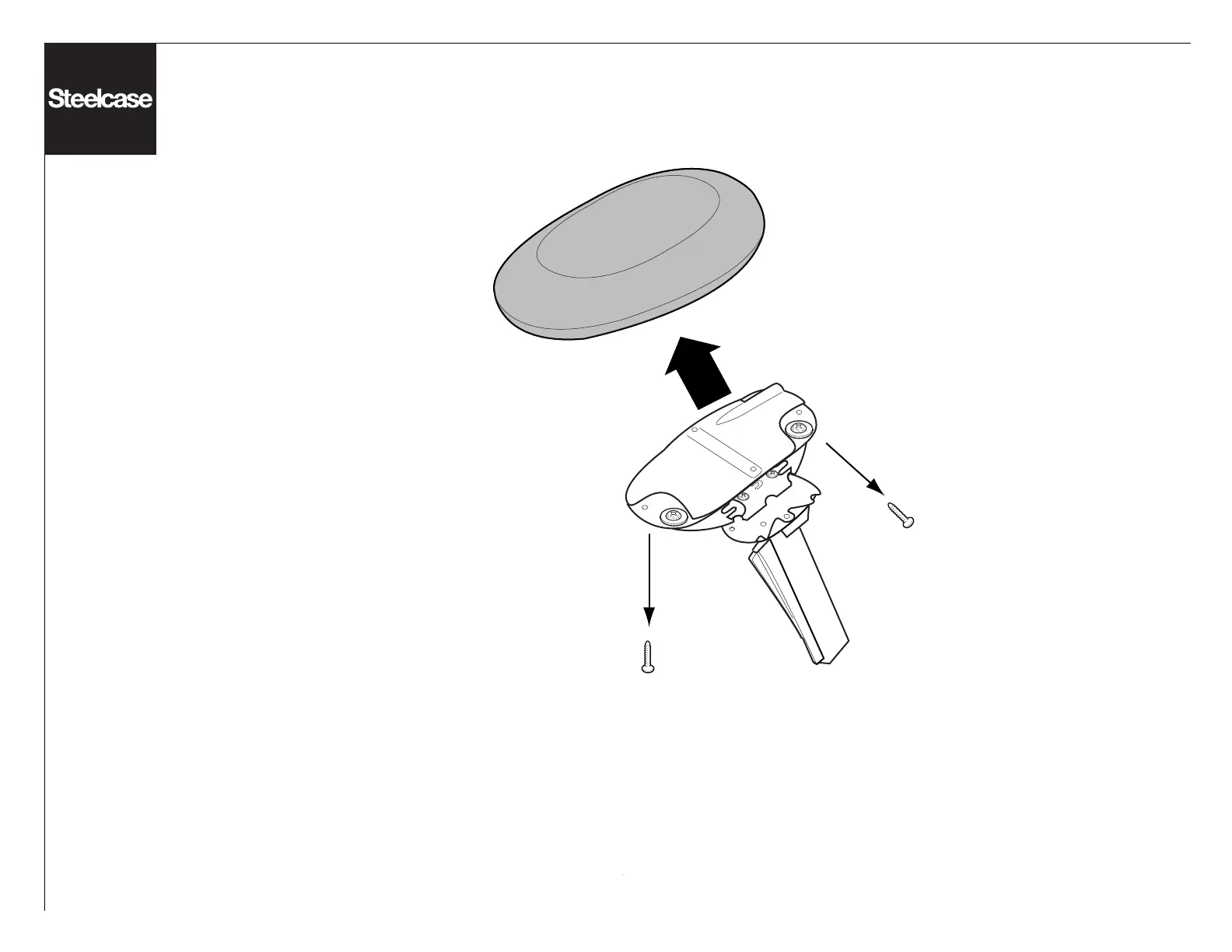
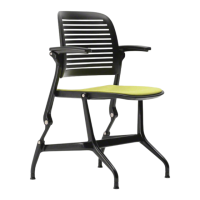
Arm Cap Replacement
1. Flip the chair to an upside down position.
2. Remove the (2) screws that are located
towards the front and back edges of the arm
removing the arm cap. Repeat for other side.
Pay close attention to which is right and left side
if doing both sides. Radius on arm will go
towards the seat side of the chair.
3. Reattach arm cap with screws. Do not over
torque.



 To Next Page