20
SURROUND SOUND
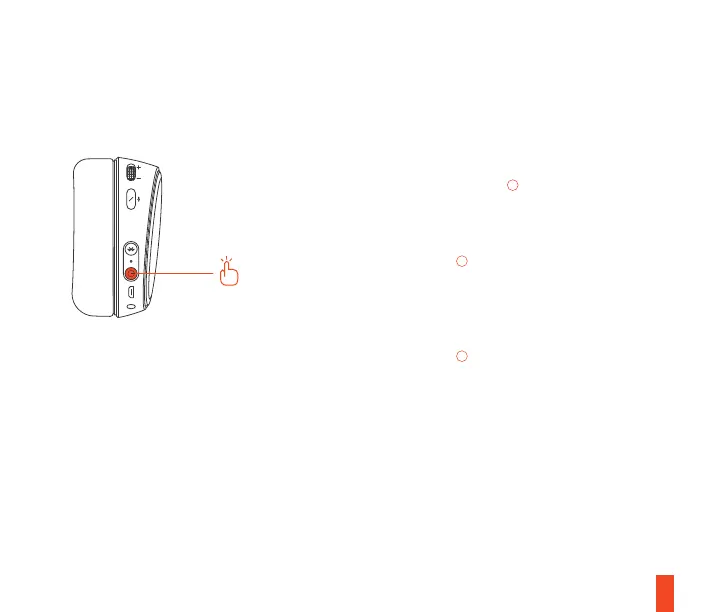
To turn surround sound ON or OFF, press and
release the Power Button
08
.
When turned ON, the headset will beep two
times in a higher pitched tone, and the Wireless
Transmitter LED
18
will display a breathing
pattern.
When turned OFF, the headset will beep two
times in a lower pitched tone, and the Wireless
Transmitter LED
18
will display a solid color.














 To Next Page