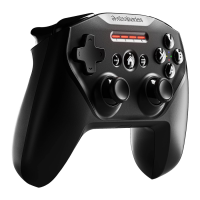
L1
L2
R1
R2
6
GETTING STARTED ON WINDOWS & STEAM
find help at support.steelseries.com
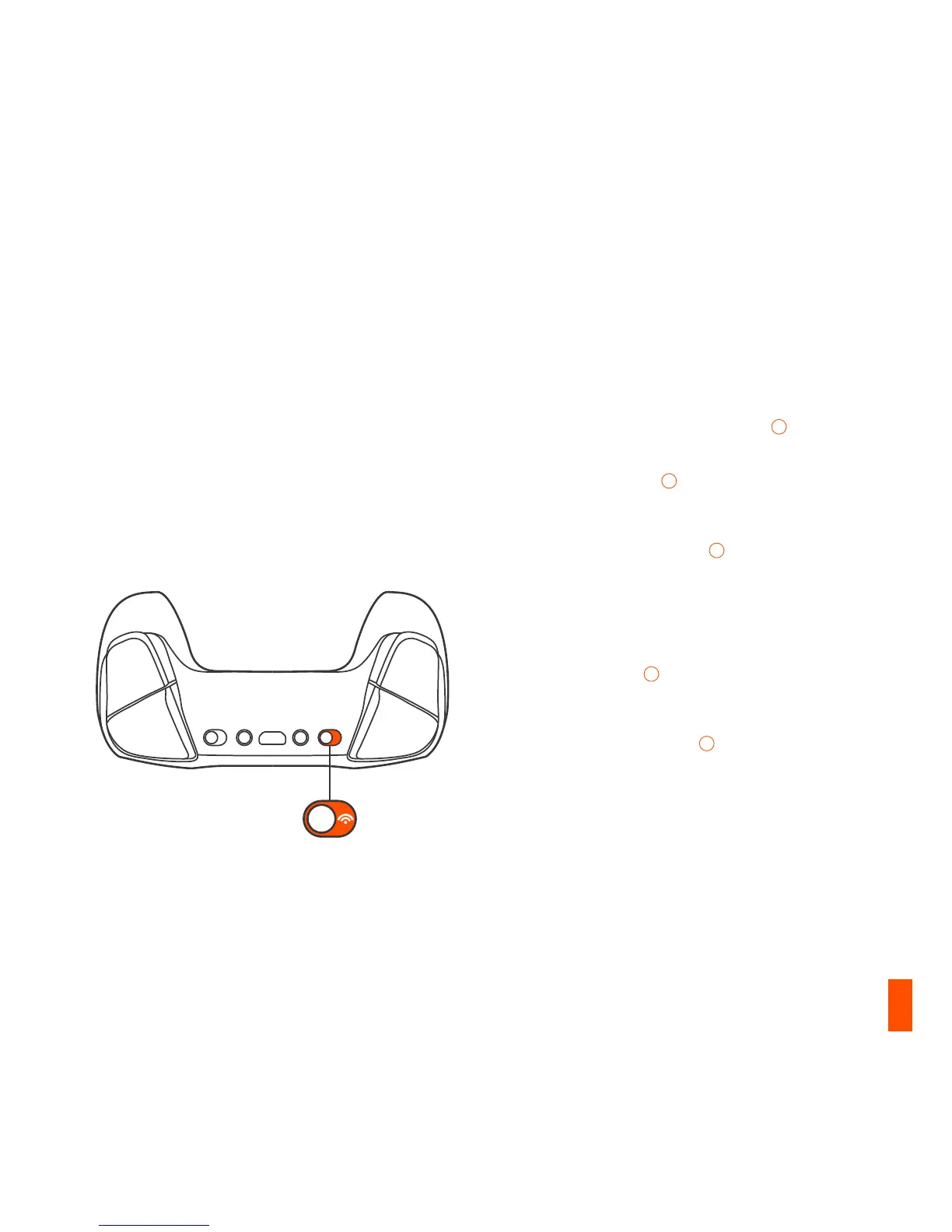
01 Slide the Wireless Mode Switch
10
to
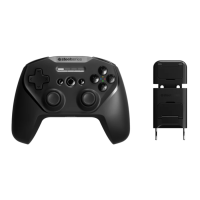
2.4GHz and plug in the included USB
Wireless Adapter
08
to an available USB
port on your PC
02 Slide the Power Switch
14
from Red to
Green to power on the Stratus Duo
03 On power up, your current battery level
will be displayed across the four player
indicator LEDs
03
for three seconds
04 Your Stratus Duo is already paired to the
USB Wireless Adapter
08
when it arrives
and should not need to be repaired
05 Your player number will now light up on the
appropriate player indicator LED. You are
ready to play!



 To Next Page