Display:
-
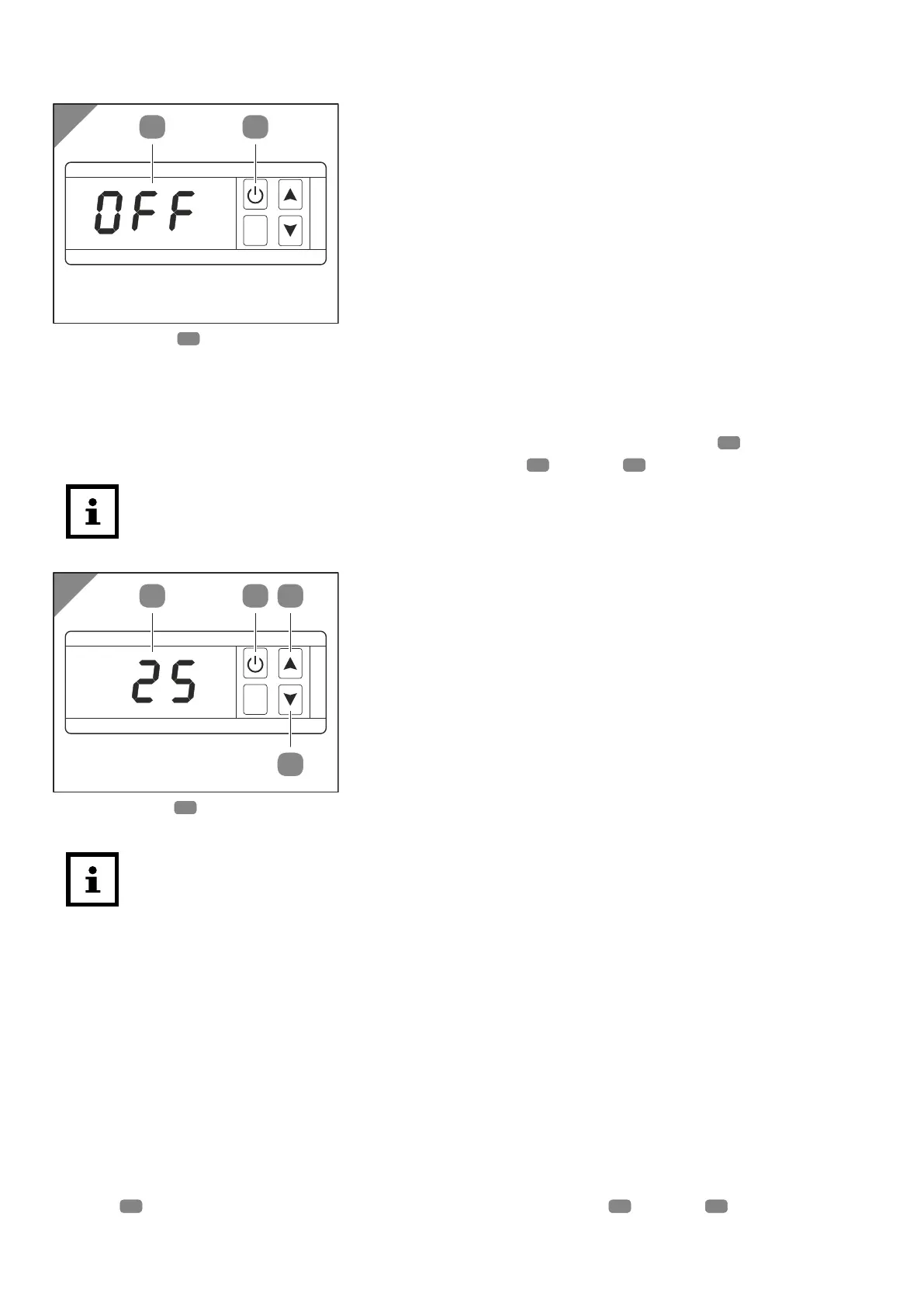
The Display14 shows the word “OFF”.
Operating mode
In operating mode the heat pump heats the water up to the set water temperature. The standard
value for the set water temperature is 27°C. The set water temperature can be between +15°C
and +35°C. The heat pump switches into standby mode by pressing the ON/OFF
15 button. You
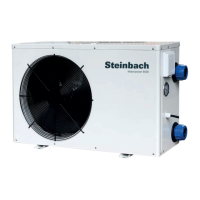
can set the desired water temperature by pressing the Up
16 or Down17 button.
After switching off, the heat exchanger needs to cool down before the fan stops running.
This process can take up to 90 seconds.
Display:
- The display14 shows the current water temperature.
Saving energy
You can take the following measures to reduce the energy consumption and the
associated costs:
• If you do not use the pool for a few days (e.g. at the weekend), keep the current
water temperature approximately at the level of the desired water temperature. The
heat pump cannot quickly heat the water of the pool as desired. In the event of a
large temperature difference between the current water temperature and the desired
water temperature, it can take up to several days to reach the desired water
temperature.
• If you are not using the pool for more than one week, switch the heat pump off or
reduce the set water temperature.
•
Do not use the heat pump if the ambient temperature falls below 15°C.
• Cover the pool to prevent heat loss through wind.
Parameter
In operating mode, the heat pump lets you display the temperatures or make settings by pressing
the SET
18 button. Select the desired parameter by pressing the Up16 or Down17 button.
38



 To Next Page