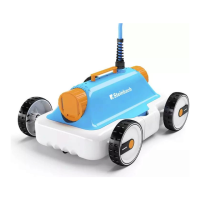
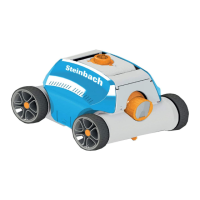
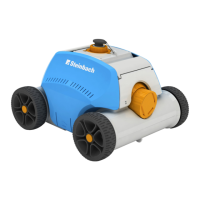
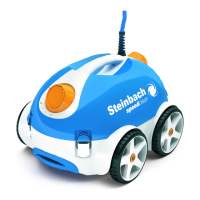
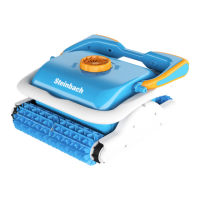
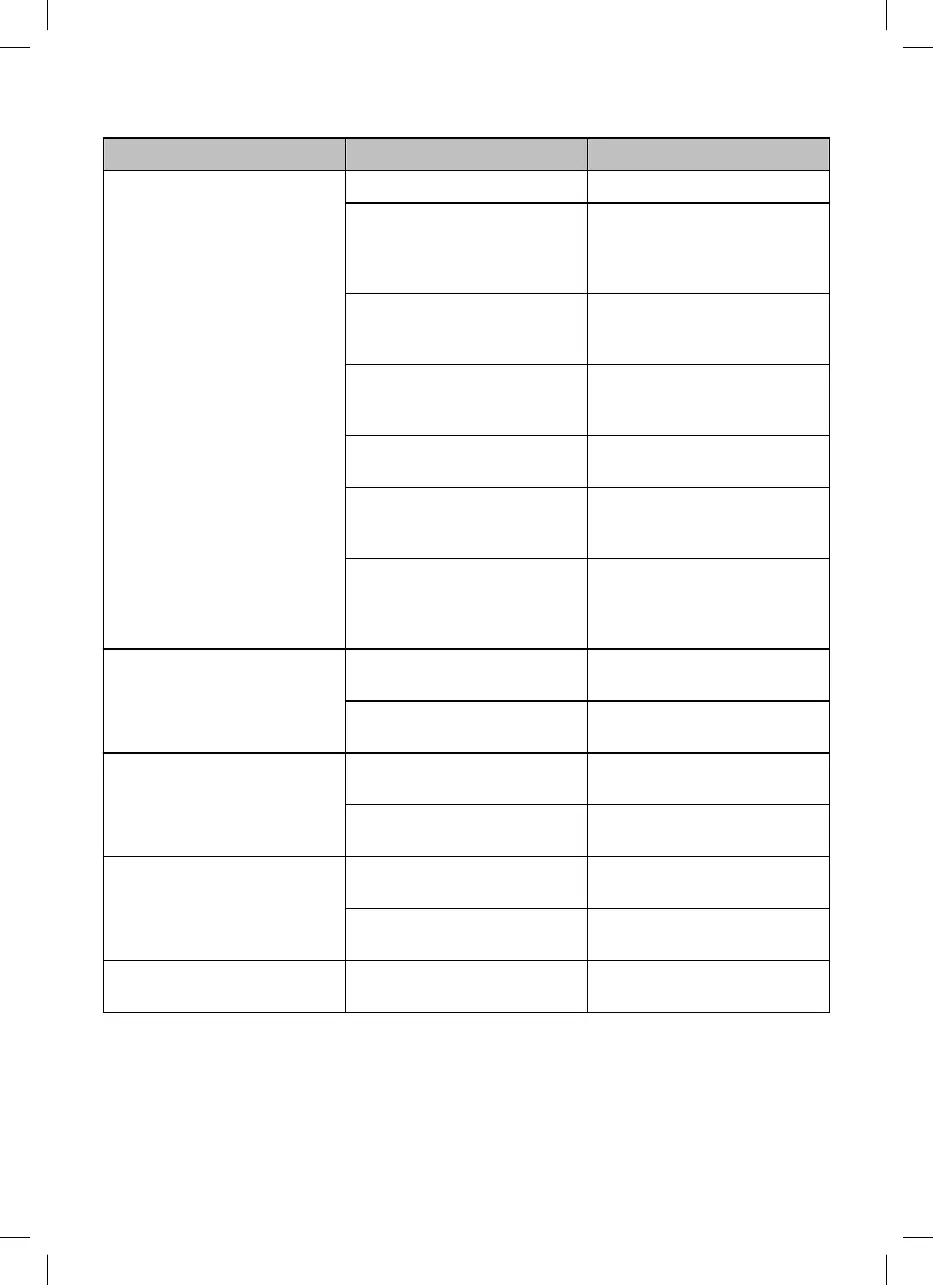
Fault description Cause Remedy
The device does not completely
move up the wall.
The filter is clogged. Clean the filters.
Algae grows on the walls. Manually pre-clean the pool walls.
Investigate and remedy the cause of
algae growth (e.g., pH value). Use
the pool cleaner more frequently.
The water temperature is too high or
too low.
Operate the device at water
operating temperature (see section
"Technical data").
The drive belt or the cleaning rollers
are worn.
Check the drive belt and cleaning
rollers for wear and replace them if
necessary.
The device is too light and topples. Switch off the device and let all the
air escape.
The pH value and the chlorine
quantity are not properly set.
Adjust the pH value and the chlorine
value to the correct value (see
section "Technical data").
The device has too little buoyancy. Attach additional buoyancy aids
(part of the package contents; see
section "Installing the buoyancy
aids").
The device does not function. The control unit is not completely
plugged in.
Check the plug connection of the
power cable and the control unit.
The control unit needs a different
voltage than the local one.
Contact customer service.
The device does not sink. There is air in the device. Switch off the device and let all the
air escape.
The salt content is too high and the
device has more buoyancy.
Set the correct salt content. See
section "Technical data".
The device rises to the surface. The device climbs too high or there
is air trapped in the device.
Switch off the device and let all the
air escape.
The salt content is too high and the
device has more buoyancy.
Set the correct salt content. See
section "Technical data".
The drive belt tears off. There are foreign objects in the
drive.
Contact customer service.
If the problem cannot be solved, contact the customer service listed on the last page.
34


 To Next Page
 Loading...