7 / 25
www.stellantisinfotainment.com
AM/FM/DAB (if available) Radio Station Tuning
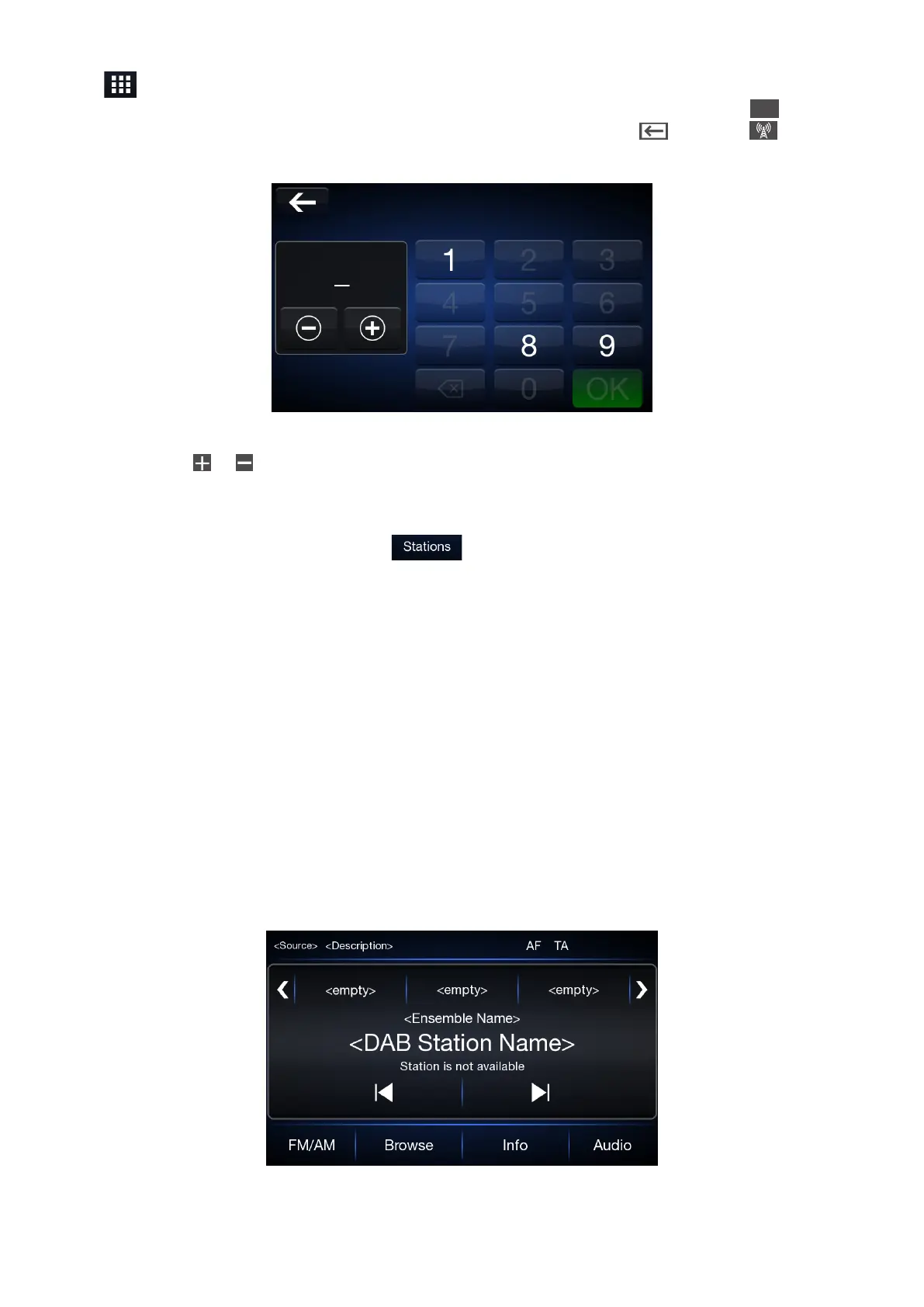
Press icon to open the Direct Tune menu. The graphic keyboard on the display is used to enter the
frequency of the station. In this mode, use buttons + and – to ne-tune the frequency. Press
X
button to
delete a wrong number (before entering the correct station frequency). Press button or button on
the display to return to the system main screen.
Fast searching of next/previous radio station frequency
Keep pressing on or buttons to start fast searching. Release the button and the audio will nd the rst
station with good reception.
FM station list
To display a full list of FM stations list, press button.
Presetting a Station (Preselection)
Pre-selections are activated by touching one of the preselection buttons located at the top of the display.
To store the current radio station, press and hold down the button corresponding to the desired preset until
a conrmation acoustic signal is heard. The system can store up to 12 radio station in each mode: 4 radio
stations are displayed at the top.
DAB broadcasting (if available)
DAB third-generation broadcasting (if available) -- digital audio broadcasting, which provides sound quality
close to CD, radio broadcasting and additional data services with unlimited work opportunities, has the
advantage of a transmission without noise, without interference and antiradio, adapted to the mobile
reception of high velocity.
Press the “Browse” button to select “All stations” “Genres” “Ensembles”.



 To Next Page