Section 7
CHANGING LIGHT SETTINGS
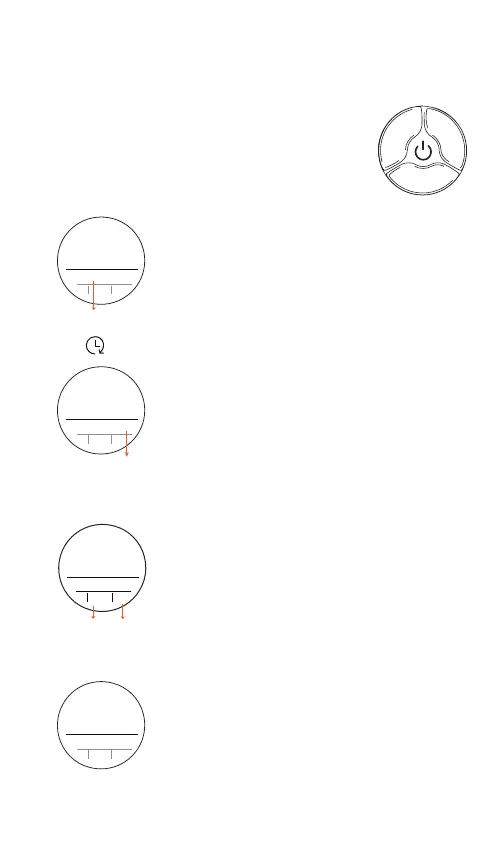
Enter and exit the menu by pressing
the control dial for 2 seconds
Menu selection: Short press to
advance through sub-menus
mode
Burst Mode - Rotate dial to select
burst mode: Power or Duration
Group & Channel - Rotate dial to
select group and channel
E (1-4)(1-20)
G (A-F)
(1-32) P (A-
C) (1-8)
group
rotation
Rotation - Rotate dial to
change display orientation
(4 directions) - for mounting
Reex horizontal or upside
down.
Proportional (
∝
)Link - Rotate
dial
to cycle through link modes.
Whenactive Reex will strobe n
times brighter than current
continuous light.
∝
link
∝
2
-
∝
1
∝
2
Pwr
Pwr



 To Next Page