STEP 1150™
16
Section 4: General Operation
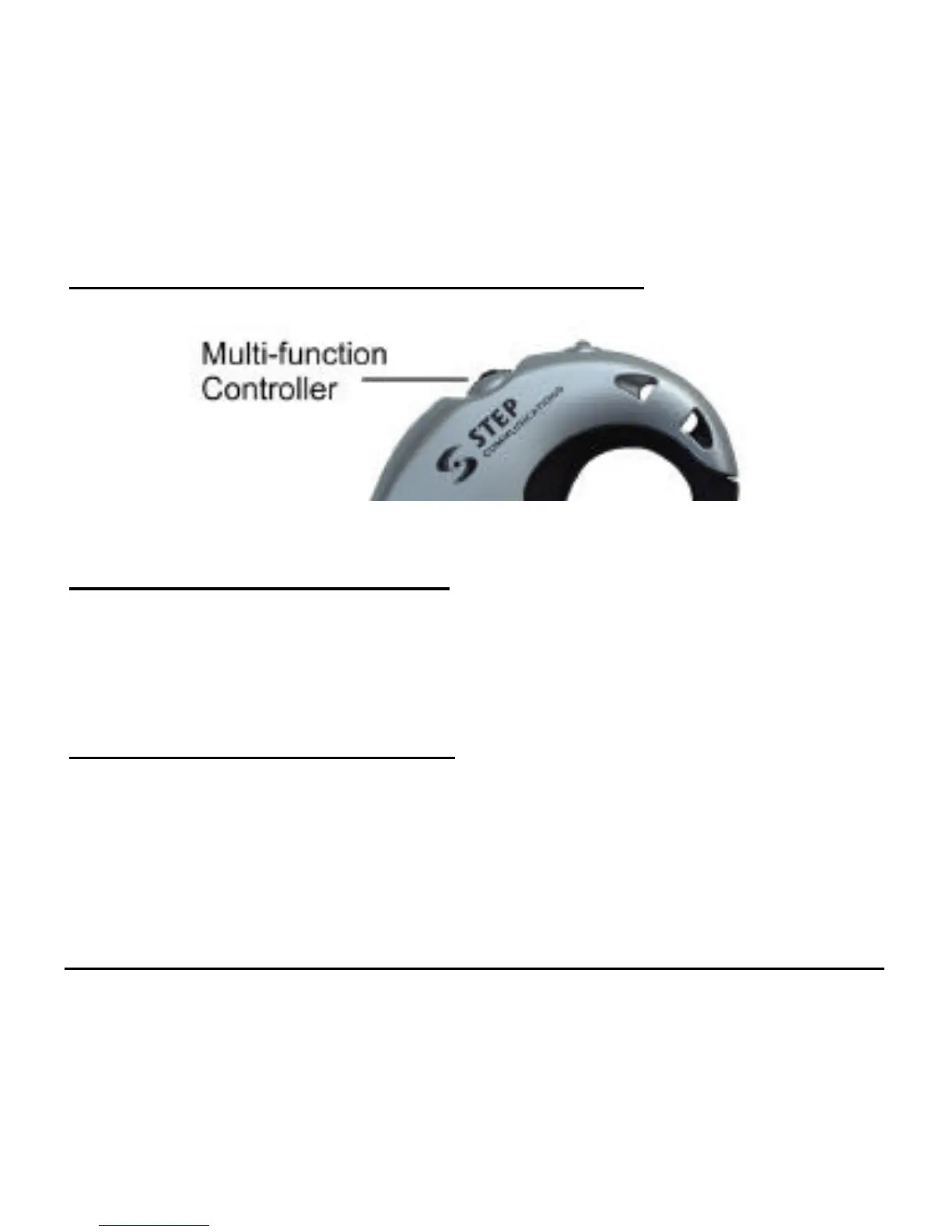
To turn the Headset on:
• Press and hold down the multi-function control for approximately
2 seconds or until you hear a series of short tones (low tones
followed by high tones)
To turn the Headset off:
• Press and hold down the multi-function control for approximately
4 seconds or until you hear a second series of short tones (this time,
high tones followed by low tones).



 To Next Page