STEP 1150™
17
Adjusting the Volume
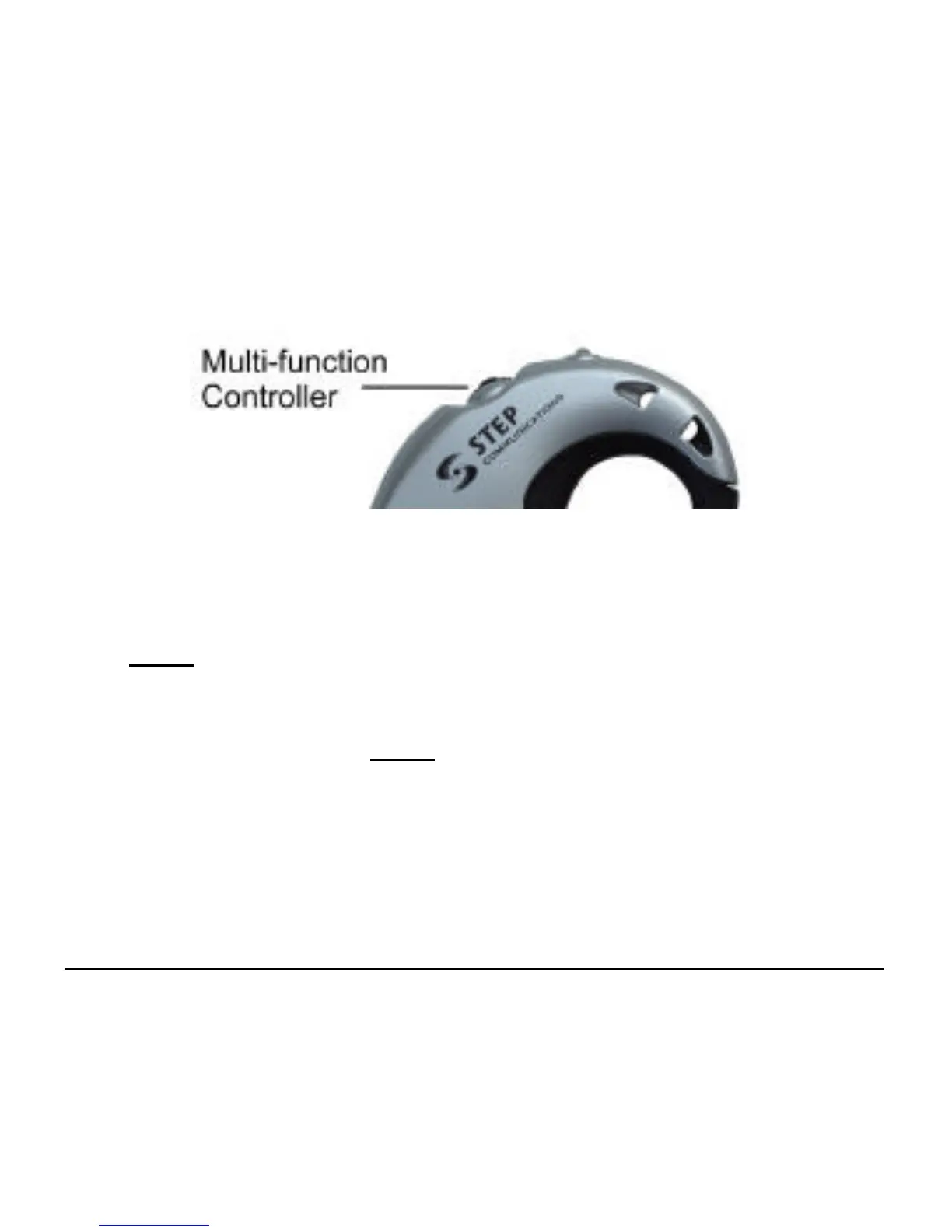
• You can adjust the headset listening volume during a call
by rocking the multi-function controller wheel forward
twice for each volume level increase you desire.
• To decrease the volume, rock the multi-function controller
wheel backwards twice for each volume level decrease you
desire. There are eight separate (8) volume levels.
• Note: be sure to merely rock the multi-function
controller wheel forward or backward during adjustments.
Do not press down, as you will end your call.



 To Next Page