88
IN
TR
TI
N
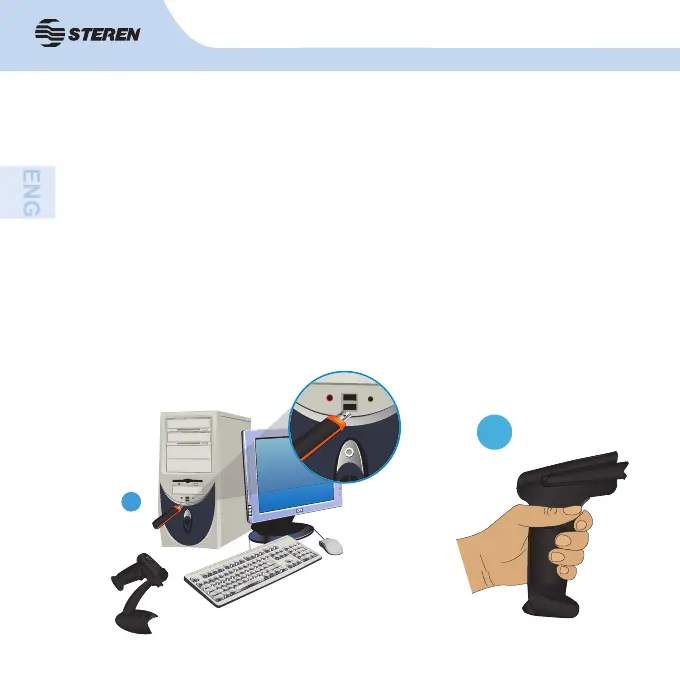
1. Connect the receiver to a USB port on the computer.
2. The computer will detect automatically the equipment and updated the drivers.
Immediately after you use it.
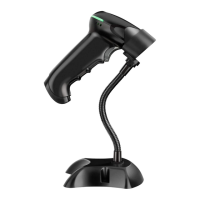
3. To turn on the code reader, press and hold the button until the indicator LED
lights up green.
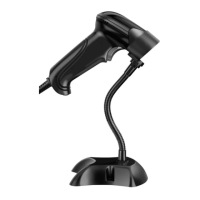
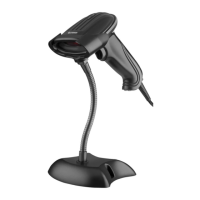
4. You can adjust the base inclination according to your needs.
5. For an advanced confi guration, see the following pages with the programming
codes.
6. To turn off the code reader, press and hold the button until the indicator LED
lights up blue.
1
3



 To Next Page